VigorN65 User’s Guide
11
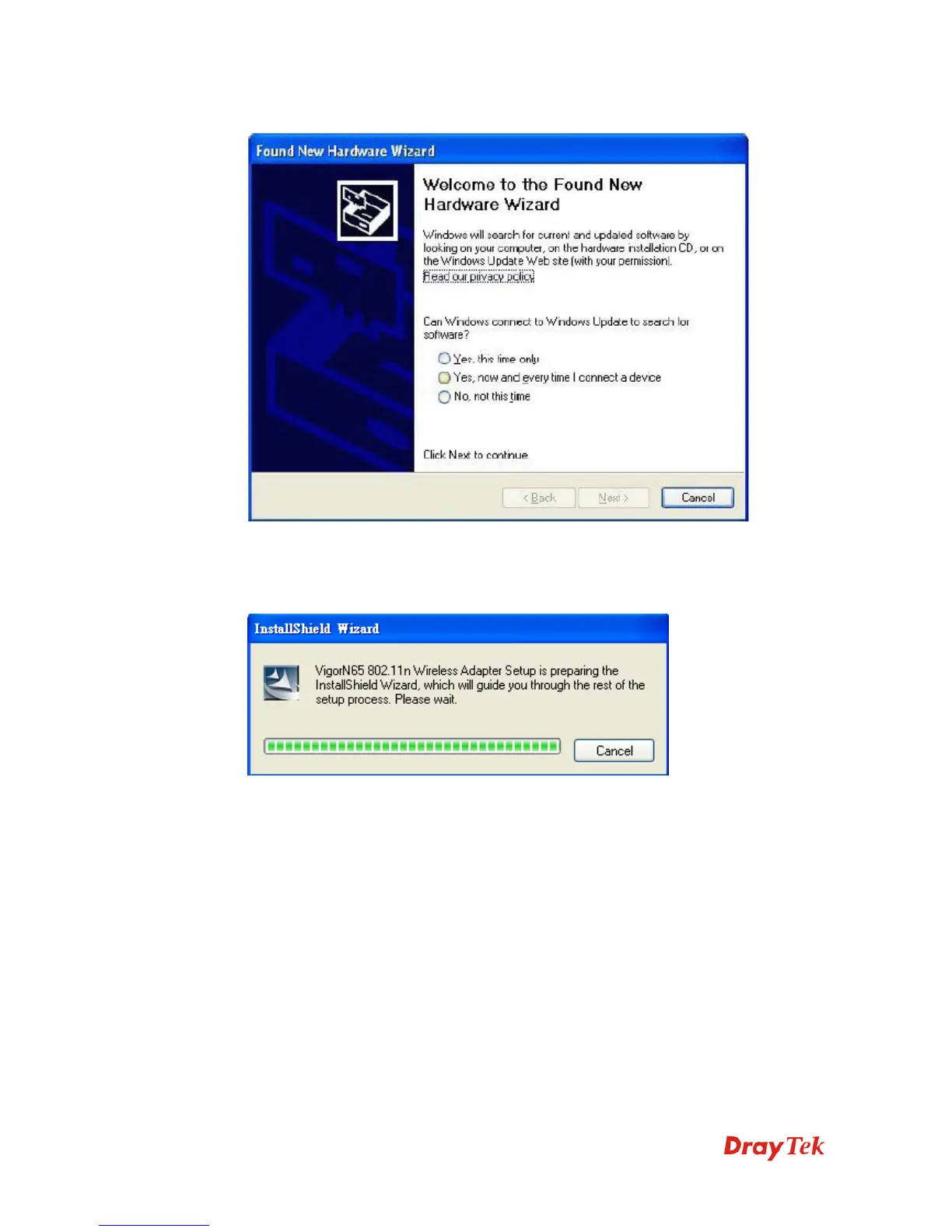
2. The following message will appear on your computer, click Cancel.
3. Insert the CD into your computer. The following screen will appear. Insert device driver
CDROM into the CD/DVD ROM drive of your computer, and execute VigorN65
Driver.exe program. Please read the end user license agreement and click I accept the
terms of the license agreement then click Next button, to accept license agreement.


 To Next Page