VigorN65 User’s Guide
34
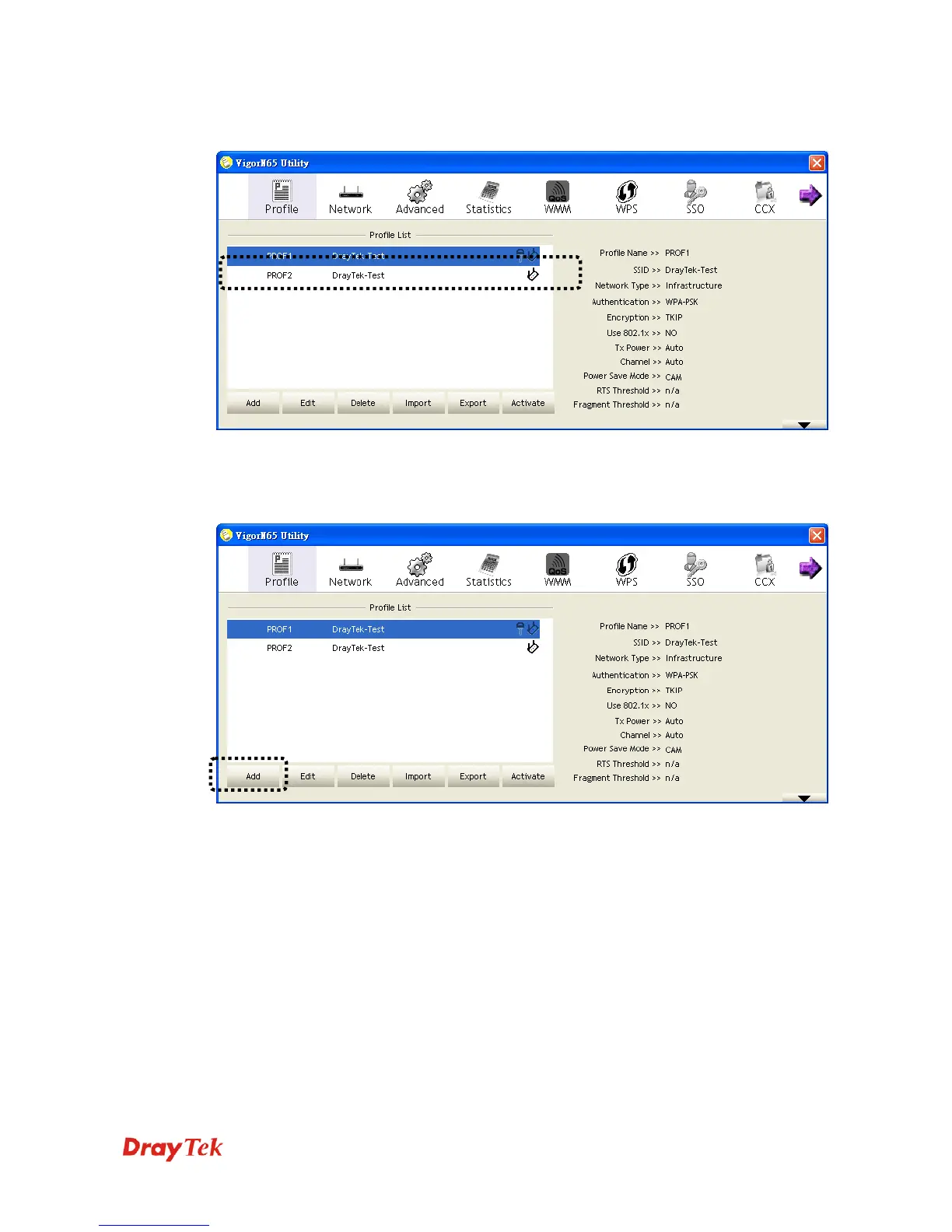
Click the Profile menu. All profiles will be listed in Profile List, and you can select a profile
from the list, all information about selected profile will be listed.
3
3
.
.
2
2
.
.
1
1
A
A
d
d
d
d
a
a
p
p
r
r
o
o
f
f
i
i
l
l
e
e
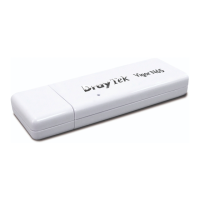
If you want to click new profile, click Profile menu, then click Add button. You’ll be
prompted to input detailed information of access point, as described in Section 3.1.1.3.


 To Next Page