VigorN65 User’s Guide
33
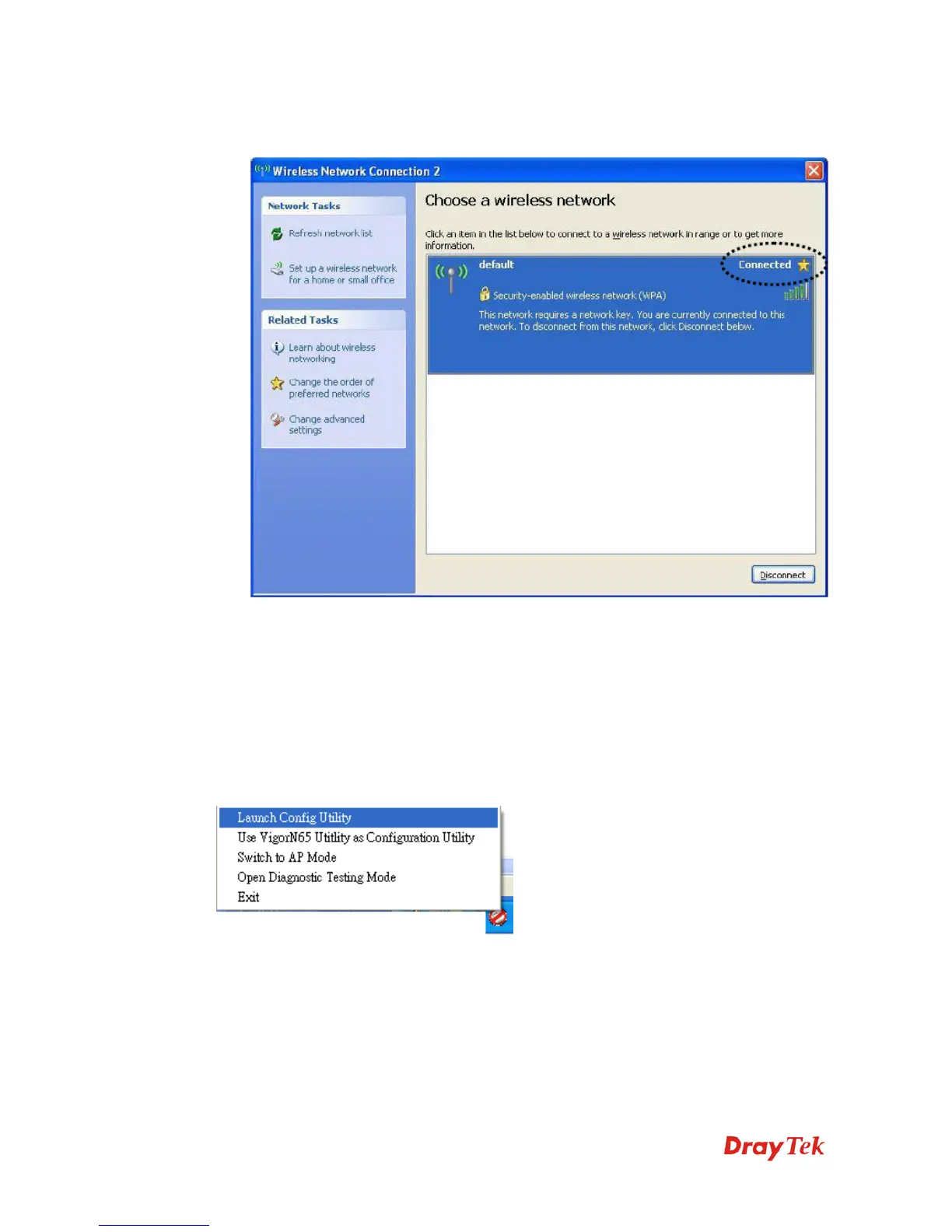
8. If you can see Connected message, the connection between your computer and wireless
access point is successfully established.
3
3
.
.
2
2
P
P
r
r
o
o
f
f
i
i
l
l
e
e
M
M
a
a
n
n
a
a
g
g
e
e
m
m
e
e
n
n
t
t
If you need to connect to different wireless access points at different time, like of access point
of your home, office, cybercafé, or public wireless service, you can store the connection
parameters (encryption, passphrase, security etc, etc.) as a profile for every access point, so
you don’t have to input these parameters every time when you want to connect to a specific
wireless access point. To manage profiles, right-click VigorN65 configuration utility icon
located at lower-right corner of computer desktop, then click Launch Config Utility.


 To Next Page