VigorN65 User’s Guide
54
Power Saving
Mode
Displays the capability of power-saving function of this wireless
client.
Status
Displays additional information of this wireless Connection, like
current wireless operating mode and data transfer rate.
4
4
.
.
5
5
E
E
v
v
e
e
n
n
t
t
L
L
o
o
g
g
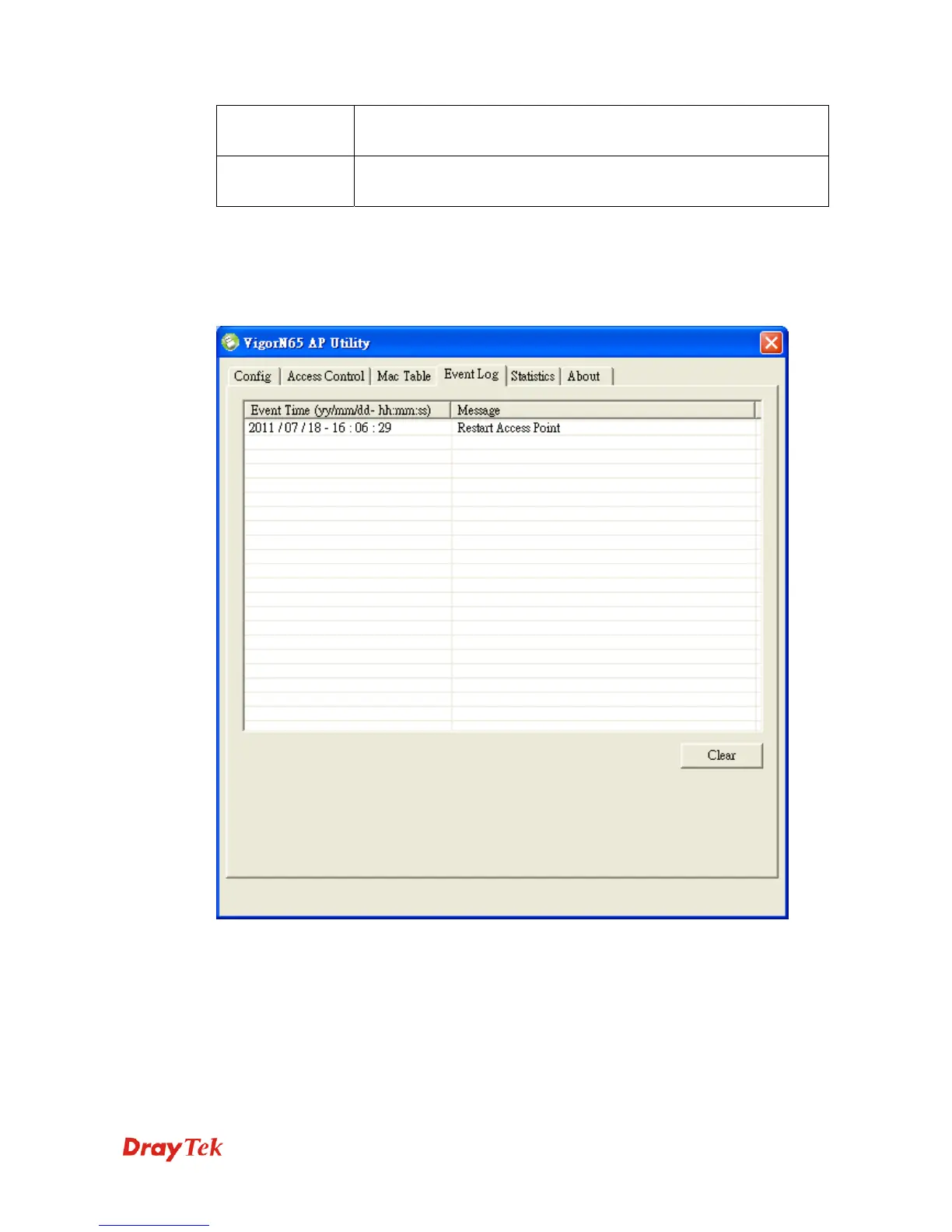
This software access point will log all wireless-related activities as a log. Click Event Log tab,
and the event log will be displayed.
You can click Clear to remove all entries in the log.


 To Next Page