VigorN65 User’s Guide
53
Add
Add the MAC address you inputted in MAC address field to the list.
Delete
Please select a MAC address from the list, then click Delete button to
remove it.
Remove All
Delete all MAC addresses in the list.
When you finish with setting and want to save changes, click „Apply‟ button.
4
4
.
.
4
4
C
C
o
o
n
n
n
n
e
e
c
c
t
t
i
i
o
o
n
n
T
T
a
a
b
b
l
l
e
e
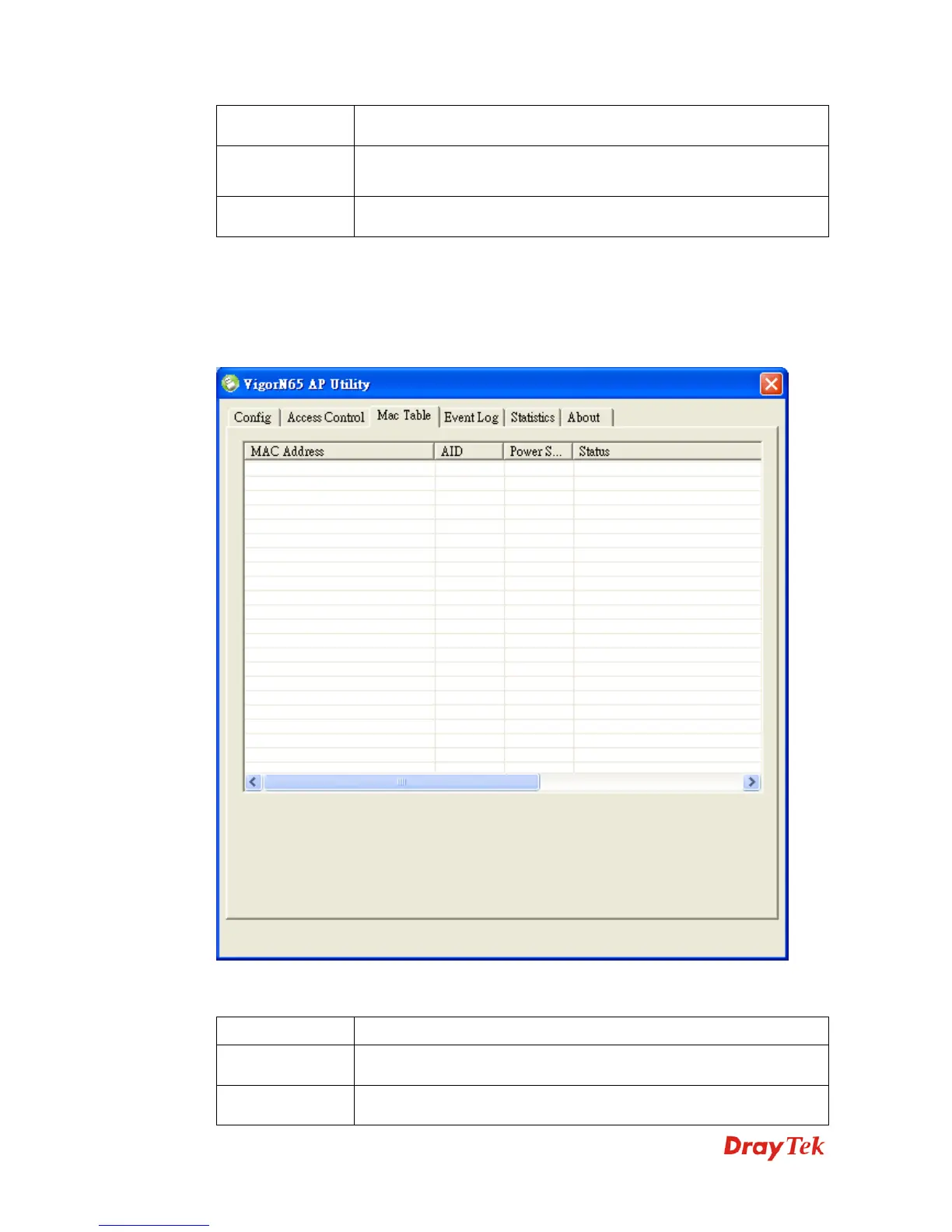
If you want to see the list of all wireless clients connected to this access point, please select
Mac Table tab from the utility.
Here are descriptions of every setup item:
Item Name Description
MAC Address
Displays the MAC address of this wireless client.
AID
The serial number of this wireless connection.


 To Next Page