Vigor130 Series User’s Guide
18
2
2
.
.
4
4
.
.
6
6
C
C
o
o
n
n
f
f
i
i
g
g
B
B
a
a
c
c
k
k
u
u
p
p
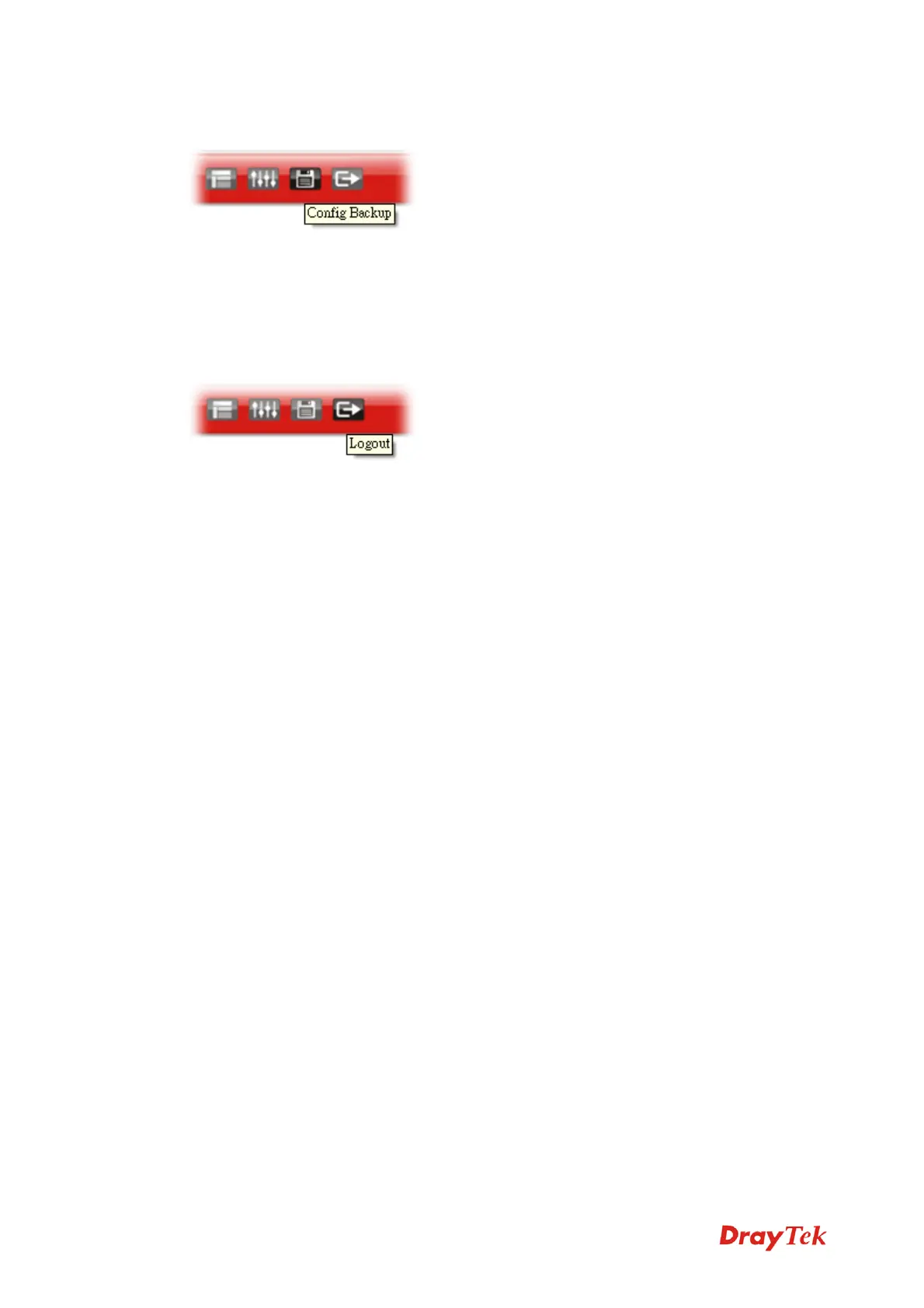
There is one way to store current used settings quickly by clicking the Config Backup icon.
It allows you to backup current settings as a file. Such configuration file can be restored by
using System Maintenance>>Configuration Backup.
Simply click the icon on the top of the main screen to save the settings.
2
2
.
.
4
4
.
.
7
7
L
L
o
o
g
g
o
o
u
u
t
t
Click the Logout icon to exit the web user interface.



 To Next Page