Vigor130 Series User’s Guide
29
Available settings are explained as follows:
Item Description
Display Name
Type the description for such WAN interface.
Physical Mode
Display the physical mode of such WAN interface.
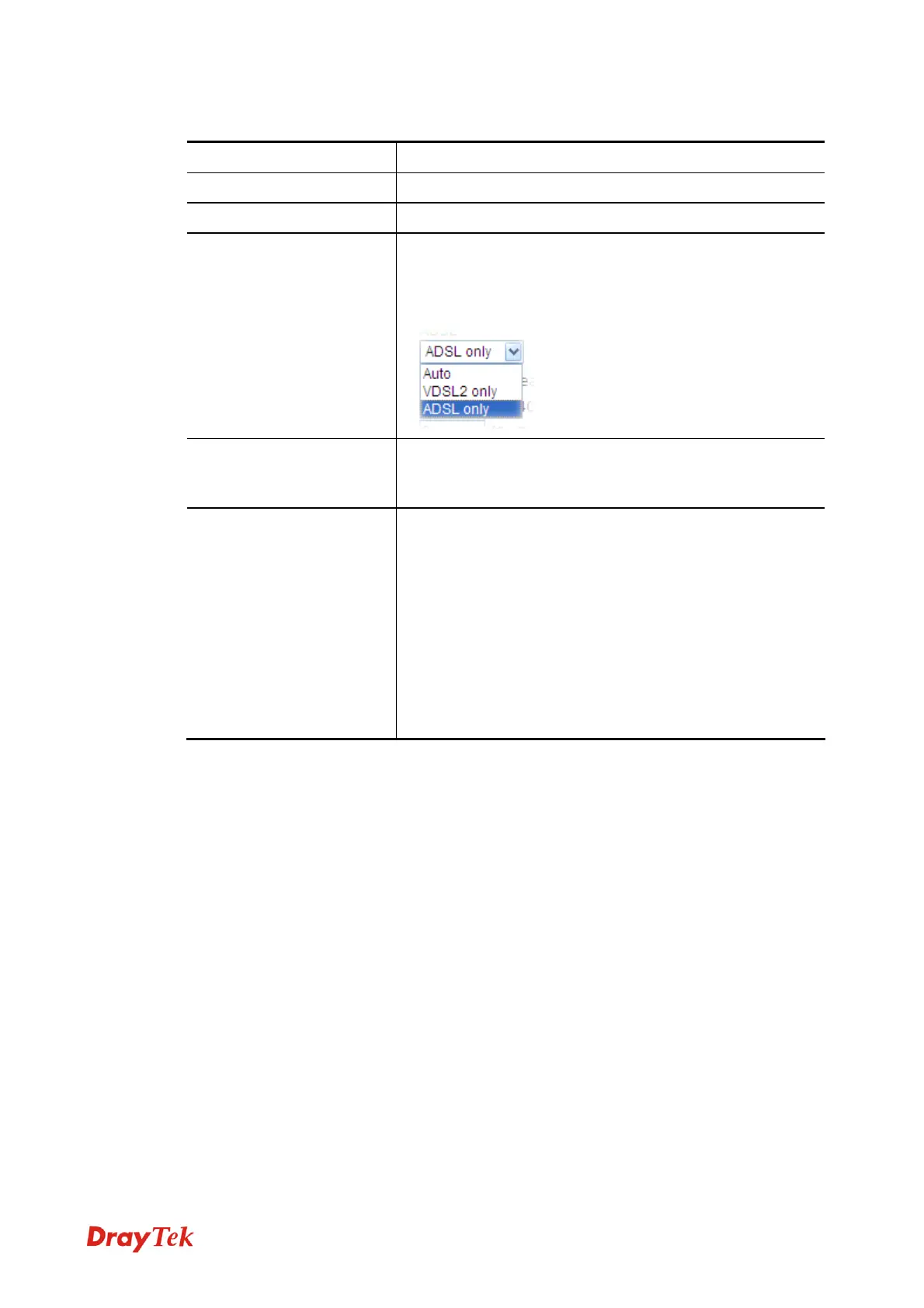
DSL Mode
Specify which DSL mode can be used for such WAN
connection.
Auto – The system will choose the suitable one
automatically.
Line Speed
If your choose According to Line Speed as the Load
Balance Mode, please type the line speed for downloading
and uploading for such WAN interface. The unit is kbps.
VLAN Tag insertion
Enable – Enable the function of VLAN with tag.
The modem will add specific VLAN number to all packets
on the WAN while sending them out.
Please type the tag value and specify the priority for the
packets sending by WAN1.
Disable – Disable the function of VLAN with tag.
Tag value – Type the value as the VLAN ID number. The
range is form 0 to 4095.
Priority – Type the packet priority number for such VLAN.
The range is from 0 to 7.
After finished the above settings, click OK to save the settings.
3
3
.
.
1
1
.
.
3
3
P
P
P
P
P
P
o
o
E
E
/
/
P
P
P
P
P
P
o
o
A
A
PPPoA, included in RFC1483, can be operated in either Logical Link Control-Subnetwork
Access Protocol or VC-Mux mode. As a CPE device, Vigor modem encapsulates the PPP
session based for transport across the ADSL loop and your ISP’s Digital Subscriber Line
Access Multiplexer (SDLAM).
To choose PPPoE or PPPoA as the accessing protocol of the internet, please select
PPPoE/PPPoA from the Internet Access menu. The following web page will be shown.



 To Next Page