Vigor130 Series User’s Guide
35
IP Address – Type in the private IP address.
Subnet Mask – Type in the subnet mask.
Gateway IP Address – Type in gateway IP address.
Default MAC Address
Type in MAC address for the modem. You can use Default
MAC Address or specify another MAC address for your
necessity.
MAC Address – Type in the MAC address for the modem
manually.
DNS Server IP
Address
Type in the primary IP address for the modem. If necessary,
type in secondary IP address for necessity in the future.
After finishing all the settings here, please click OK to activate them.
3
3
.
.
1
1
.
.
5
5
I
I
P
P
v
v
6
6
O
O
f
f
f
f
l
l
i
i
n
n
e
e
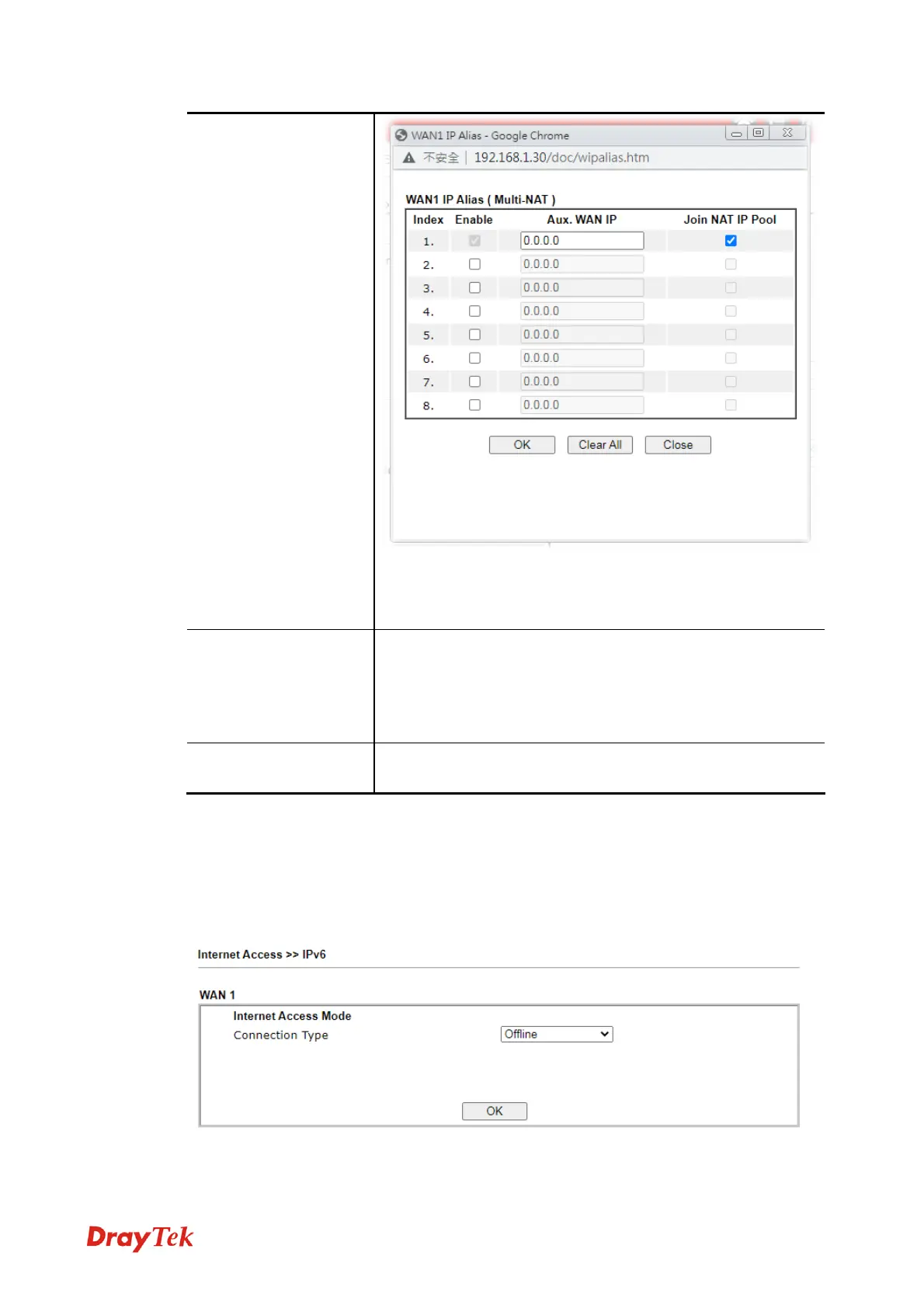
When Offline is selected, the IPv6 connection will be disabled.
P
P
P
P
P
P



 To Next Page