Vigor130 Series User’s Guide
23
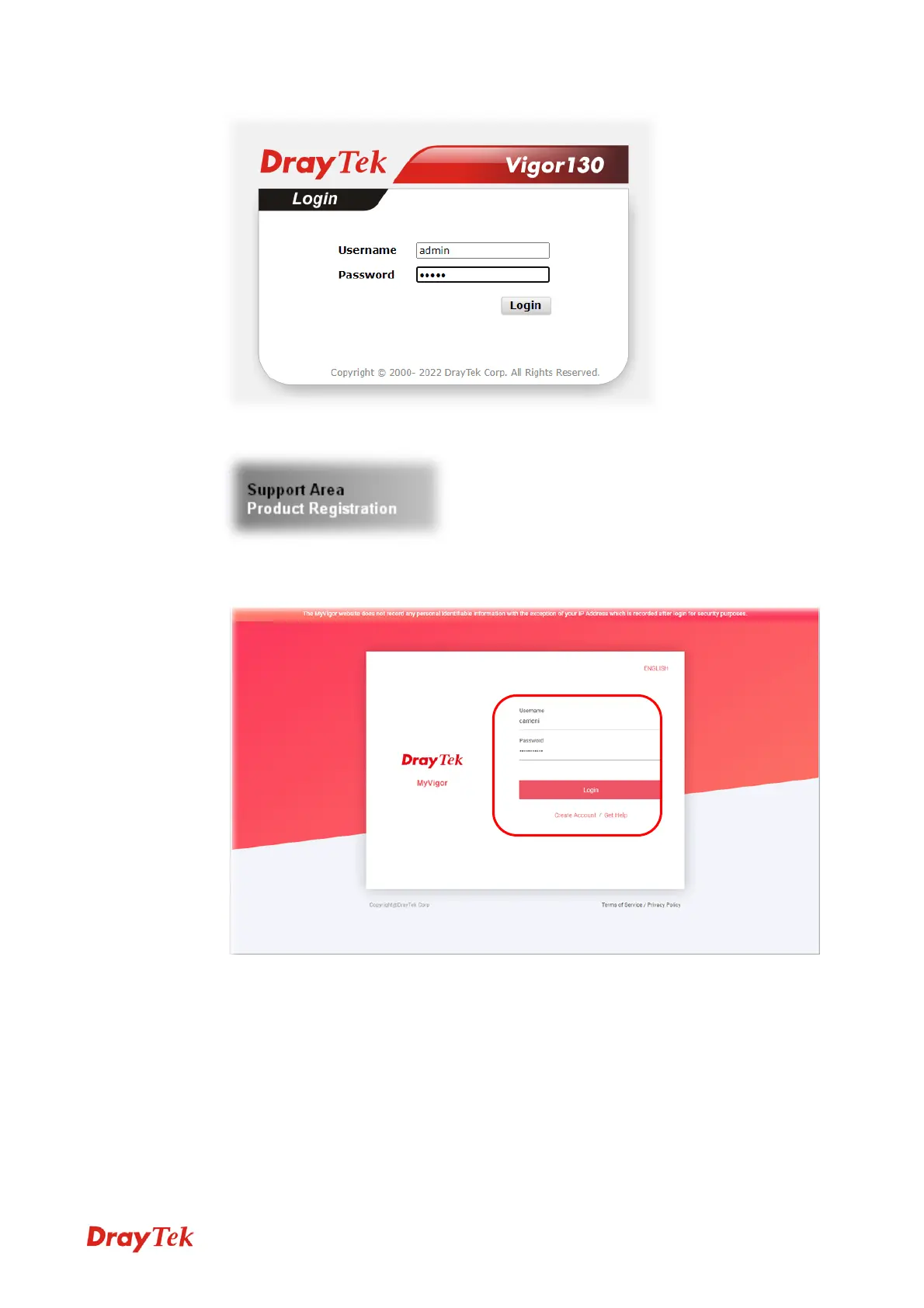
2 Click Support Area>>Production Registration from the home page.
3 A Login page will be shown on the screen. Please Enter the account and password that
you created previously. And click Login.
If you haven’t an accessing account, please refer to section Creating an Account for
MyVigor to create your own one. Please read the articles on the Agreement regarding
user rights carefully while creating a user account.
4 The following page will be displayed after you logging in MyVigor. Type a nickname
for the router, then click Submit.



 To Next Page