Vigor130 Series User’s Guide
79
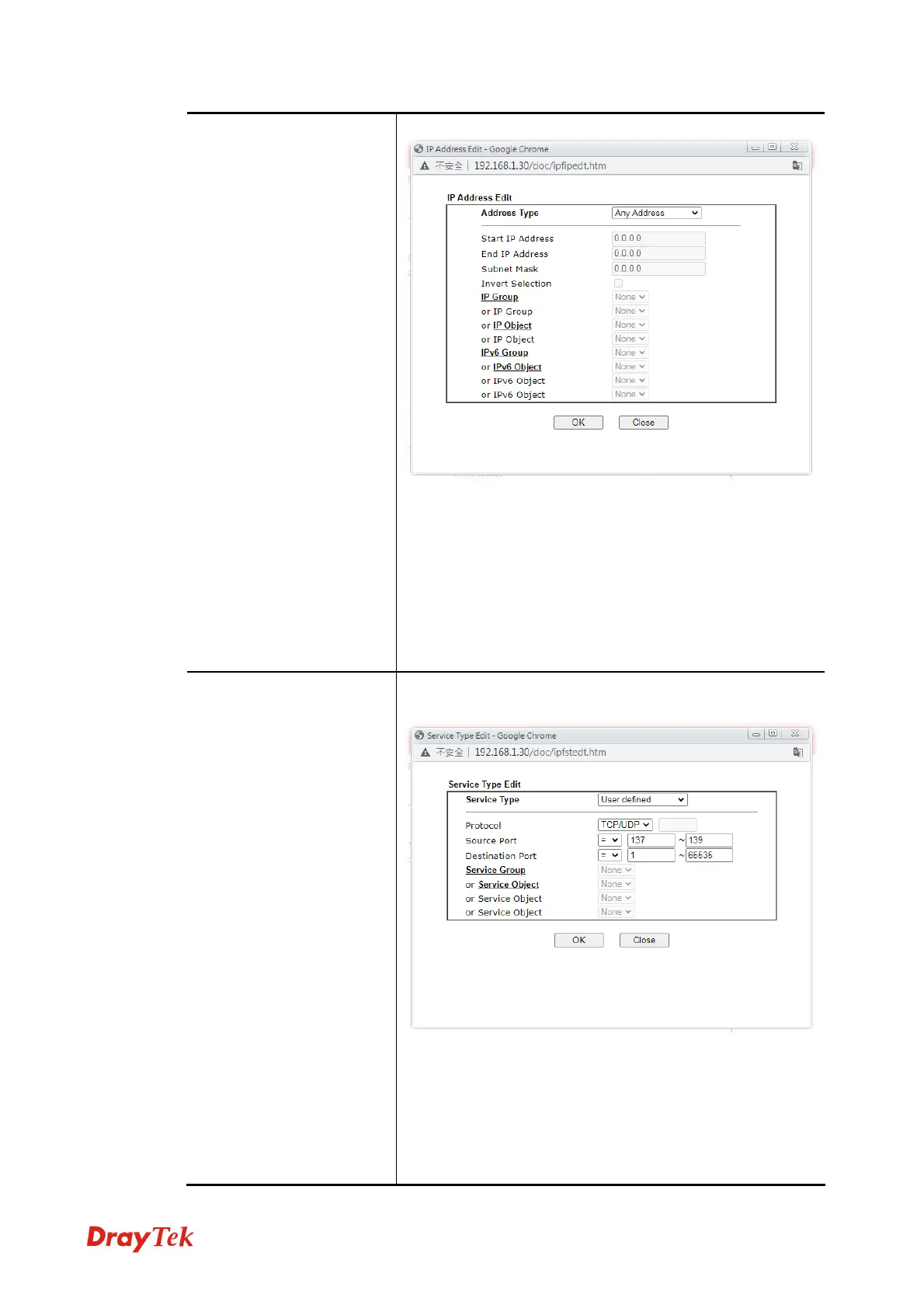
To set the IP address manually, please choose Any
Address/Single Address/Range Address/Subnet Address
as the Address Type and type them in this dialog. In
addition, if you want to use the IP range from defined
groups or objects, please choose Group and Objects as the
Address Type.
From the IP Group drop down list, choose the one that you
want to apply. Or use the IP Object drop down list to
choose the object that you want.
Service Type
Click Edit to access into the following dialog to choose a
suitable service type.
To set the service type manually, please choose User
defined as the Service Type and type them in this dialog. In
addition, if you want to use the service type from defined
groups or objects, please choose Group and Objects as the
Service Type.
Protocol - Specify the protocol(s) which this filter rule will
apply to.



 To Next Page