13
FADE (shift-slider 14) - the LFO amplitude fade control lets you set an amount of time or delay before the LFO 1
amplitude fades out. If the FADE setting is zero, the amount of LFO modulation will remain constant.
TIP! One Shot LFO: If the DELAY slider is set to zero and the FADE slider is set to full ( or all the way up) then the
LFO will only cycle one time, and can also be used like a secondary envelope shaped by the LFO waveform.
3.7 Notes about modulation
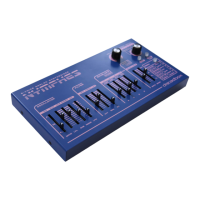
The Nymphes offers a respectable selection of modulation options, letting you manipulate and modulate the
sound in various ways. Some of the modulation sources are not assignable, meaning they are already assigned
to certain modulation destinations.
For example, both LFO 1 and the lter envelope are already routed to the oscillator pitch and the lter cutoff,
and cannot be assigned to any other destinations. Only the amount of the modulation can be changed by the
user. Fortunately, there are other modulation sources that offer more exibility and can be assigned to a large
list of destinations.
How to set up the assignable modulation sources is discussed in “5. Menu Accessible Parameters” below in
the user guide.


 To Next Page