10
Preparation
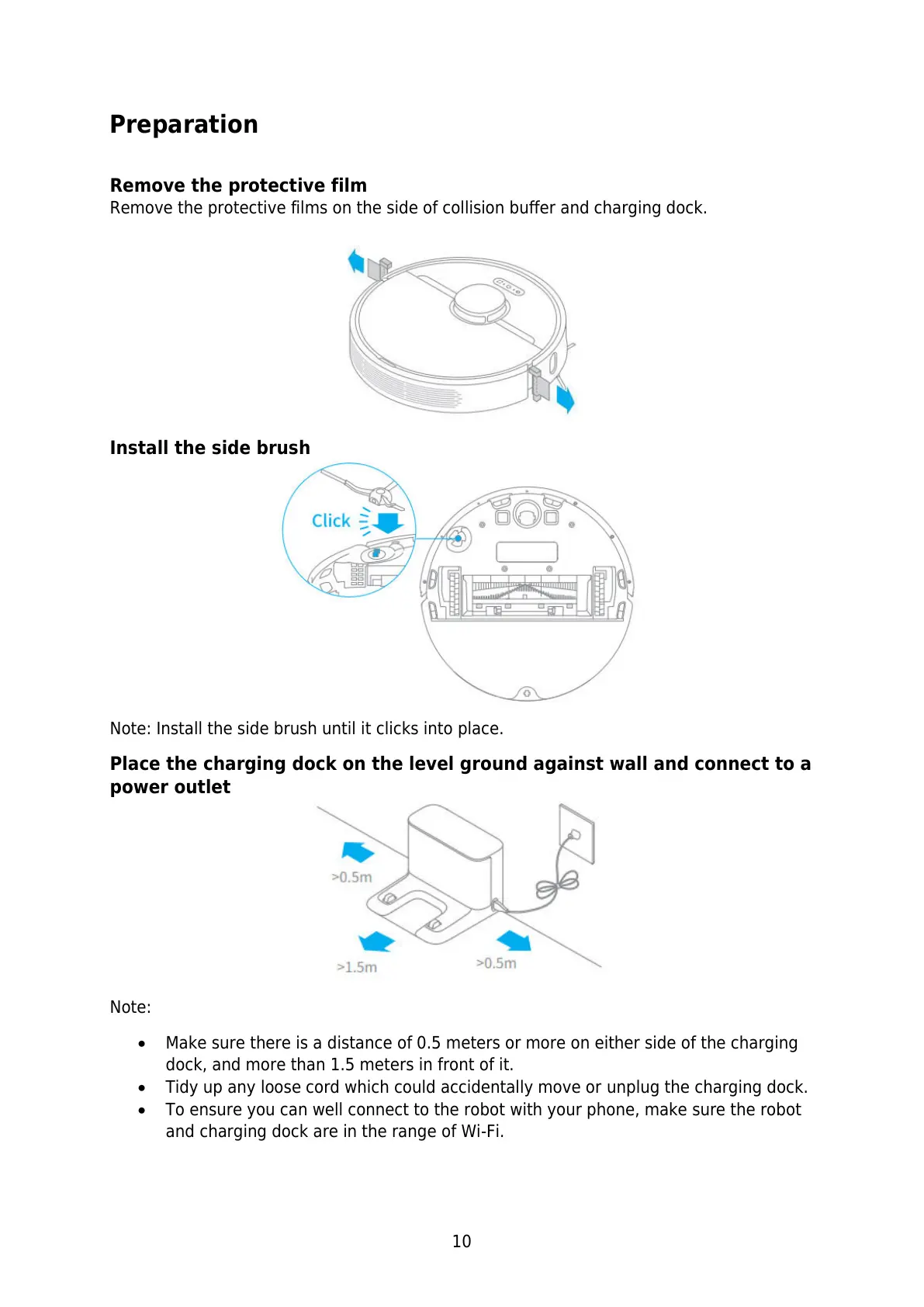
Remove the protective film
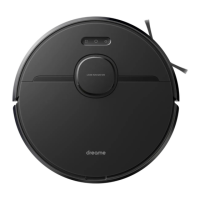
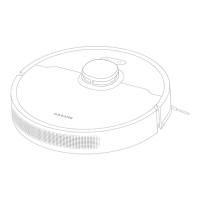
Remove the protective films on the side of collision buffer and charging dock.
Install the side brush
Note: Install the side brush until it clicks into place.
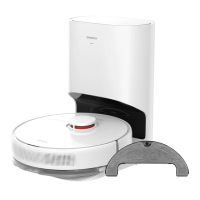
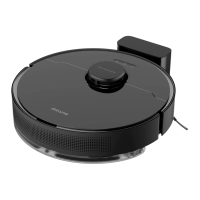
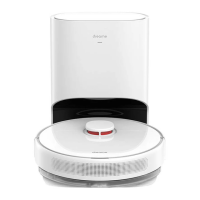
Place the charging dock on the level ground against wall and connect to a
power outlet
Note:
Make sure there is a distance of 0.5 meters or more on either side of the charging
dock, and more than 1.5 meters in front of it.
Tidy up any loose cord which could accidentally move or unplug the charging dock.
To ensure you can well connect to the robot with your phone, make sure the robot
and charging dock are in the range of Wi-Fi.






 To Next Page