14
Do Not Disturb Mode
Do Not Disturb mode prevents the robot from automatically starting cleaning tasks, and
the power indicator remains off. You can enable Do Not Disturb or modify its hours in the
app. (The mode is opened by default from 22:00 to 08:00.)
Note:
Scheduled clean-ups will still be carried out during the DND period.
The robot will continue cleaning after this period ends.
Spot Clean Mode
When the robot is in standby mode or paused, press and hold the button for 3 seconds
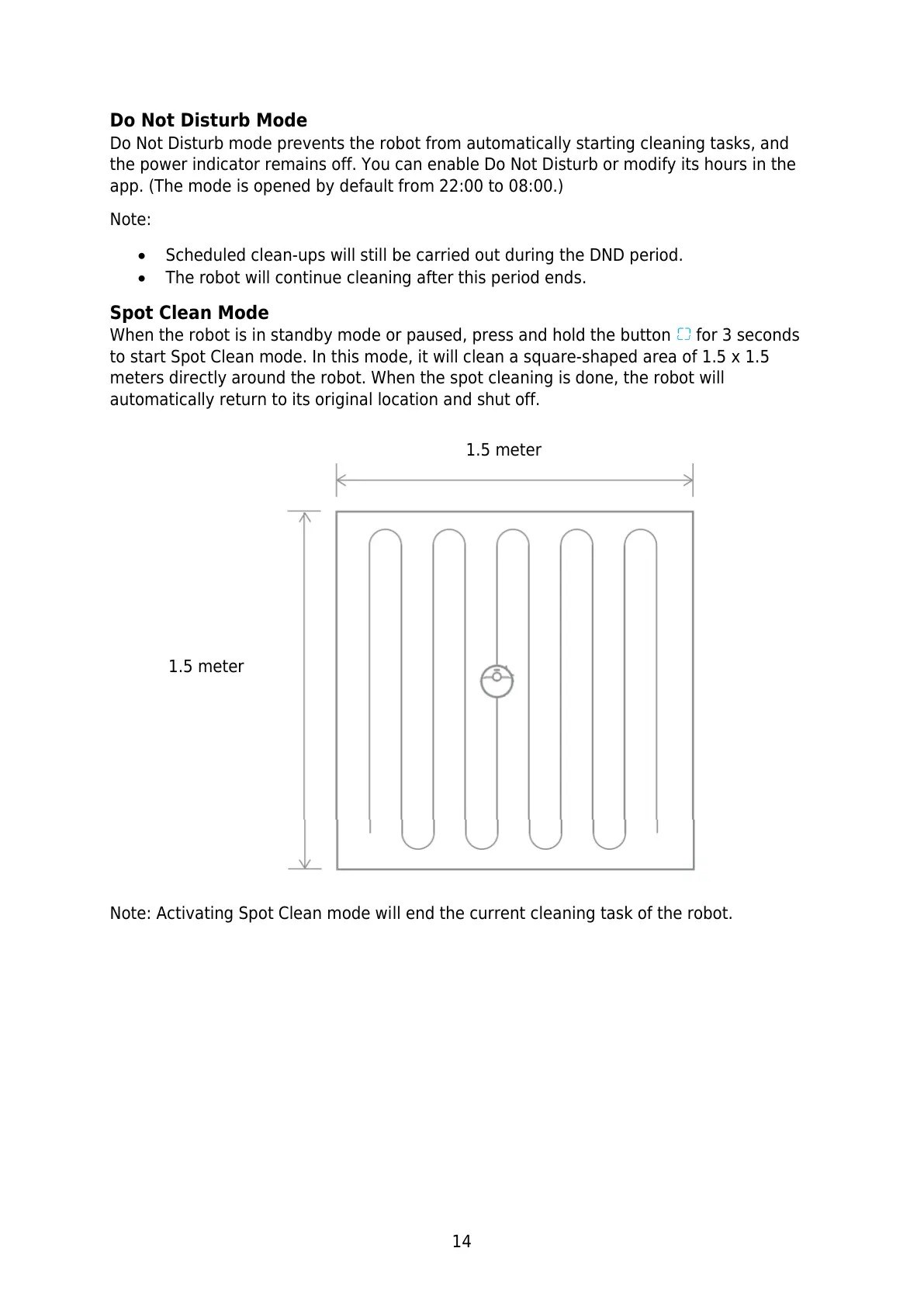
to start Spot Clean mode. In this mode, it will clean a square-shaped area of 1.5 x 1.5
meters directly around the robot. When the spot cleaning is done, the robot will
automatically return to its original location and shut off.
Note: Activating Spot Clean mode will end the current cleaning task of the robot.






 To Next Page