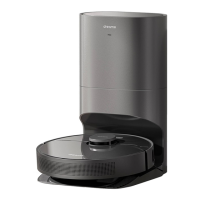
Robot
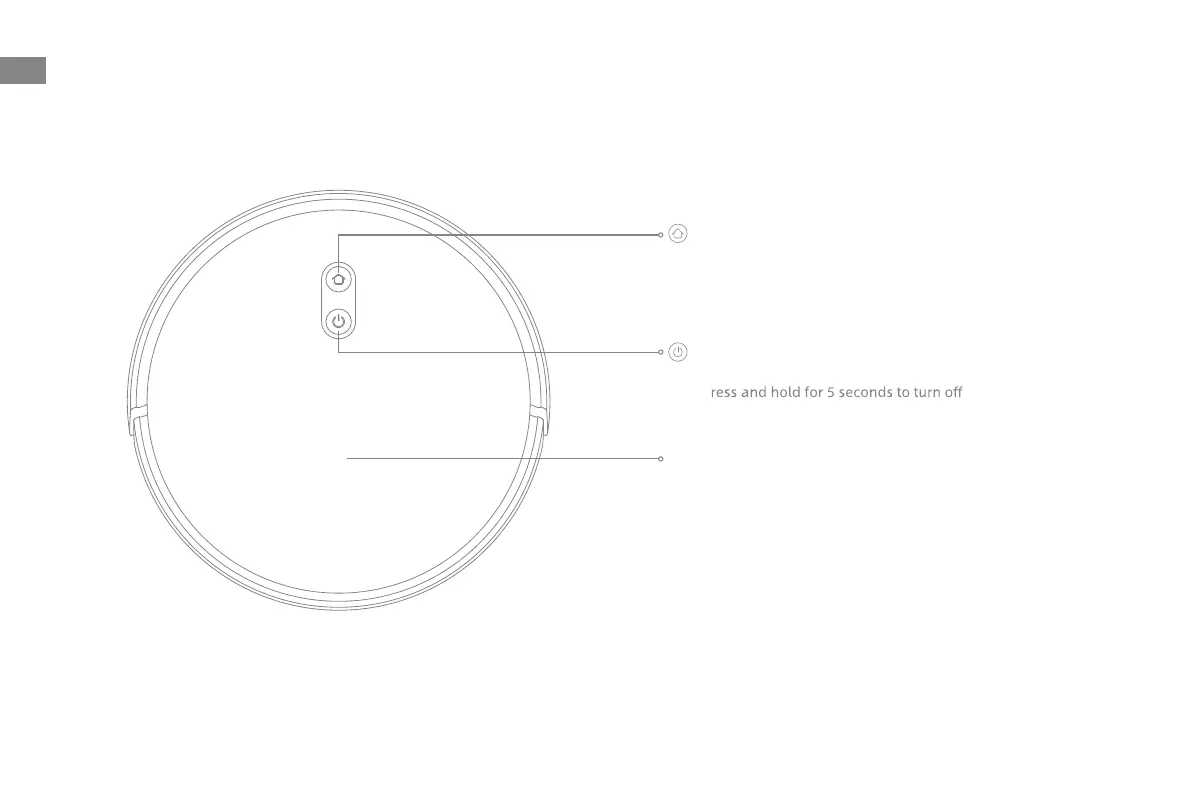
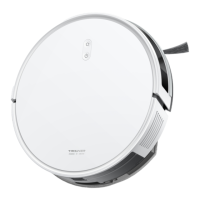
Product Overview
Dock Button
· Press to send the robot back to the charging dock
· Press and hold for 3 seconds to reset Wi-Fi
Status Indicator
· Solid White: Cleaning or cleanup completed
· Blinking Orange: Error
· Solid Orange: Low battery
Note:
· Press any button on the robot to pause while the robot is cleaning
or returning to charge.
· Child Lock can be enabled/disabled through the Dreamehome app.
Cover
Power / Clean Button
· Press and hold for 3 seconds to turn on or
p
· Press to start cleaning after the robot is turned on
EN
6


 To Next Page