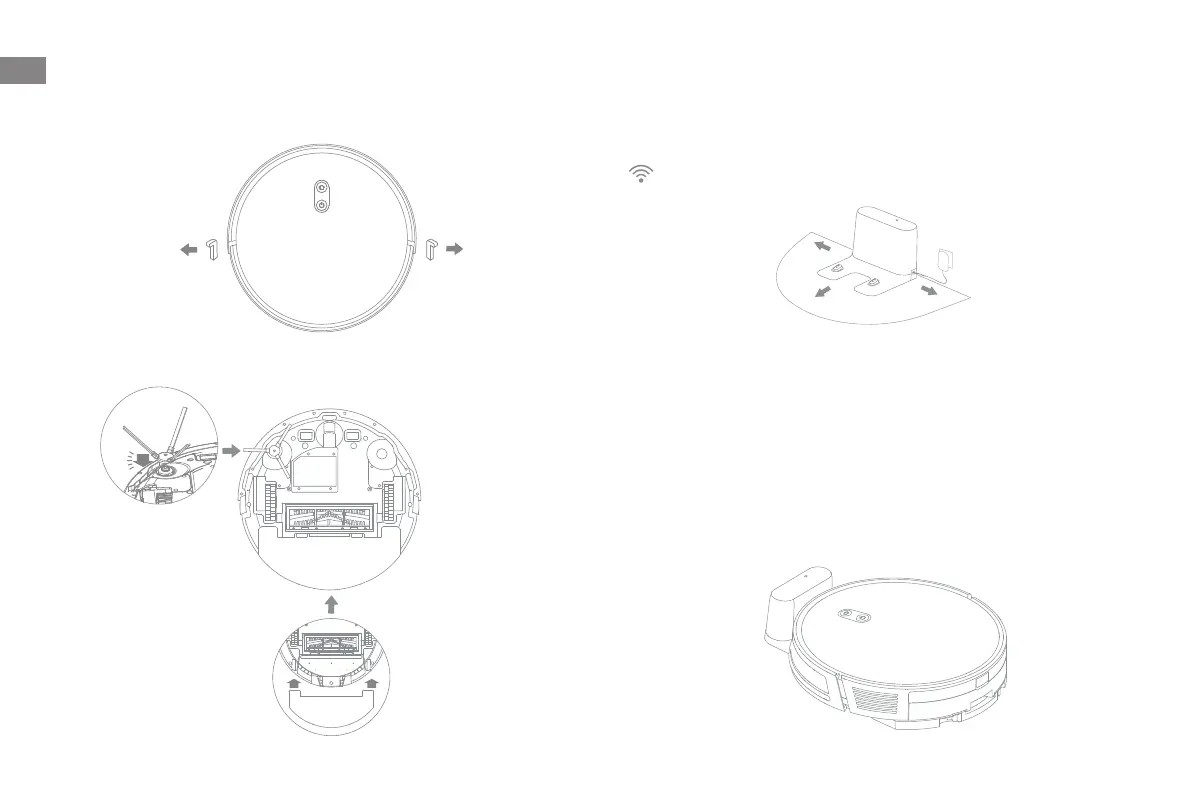
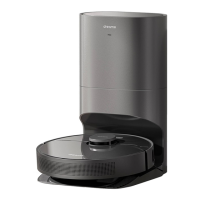
3. Place the charging dock on level ground against
the wall and connect it to a power outlet
Place the charging dock in a location that is as open as possible with a good
Wi-Fi signal.
When placing the robot, align the charging contacts at the bottom of the
robot with the charging contacts of the charging dock, and the robot will
automatically turn on and start charging.
4. Charge the robot
Before Use
1. Remove the protections
2. Install the side brush and the mop assembly
Note: Install the side brush until it clicks into place.
Click
Note:
Remove any objects that are closer than 1.5 m from the front and 0.5 m
from either side of the charging dock.
Do not place the charging dock in an area with direct sunlight or where
other objects might block the signal, as this may hinder the robot from
returning to the charging dock.
·
·
Note: It is recommended to fully charge your robot before first time use.
> 0.5 m
> 0.5 m
> 1.5 m
EN
10


 To Next Page