07-01706B 2010-02 6 Dri-Eaz Products
ERROR MESSAGES
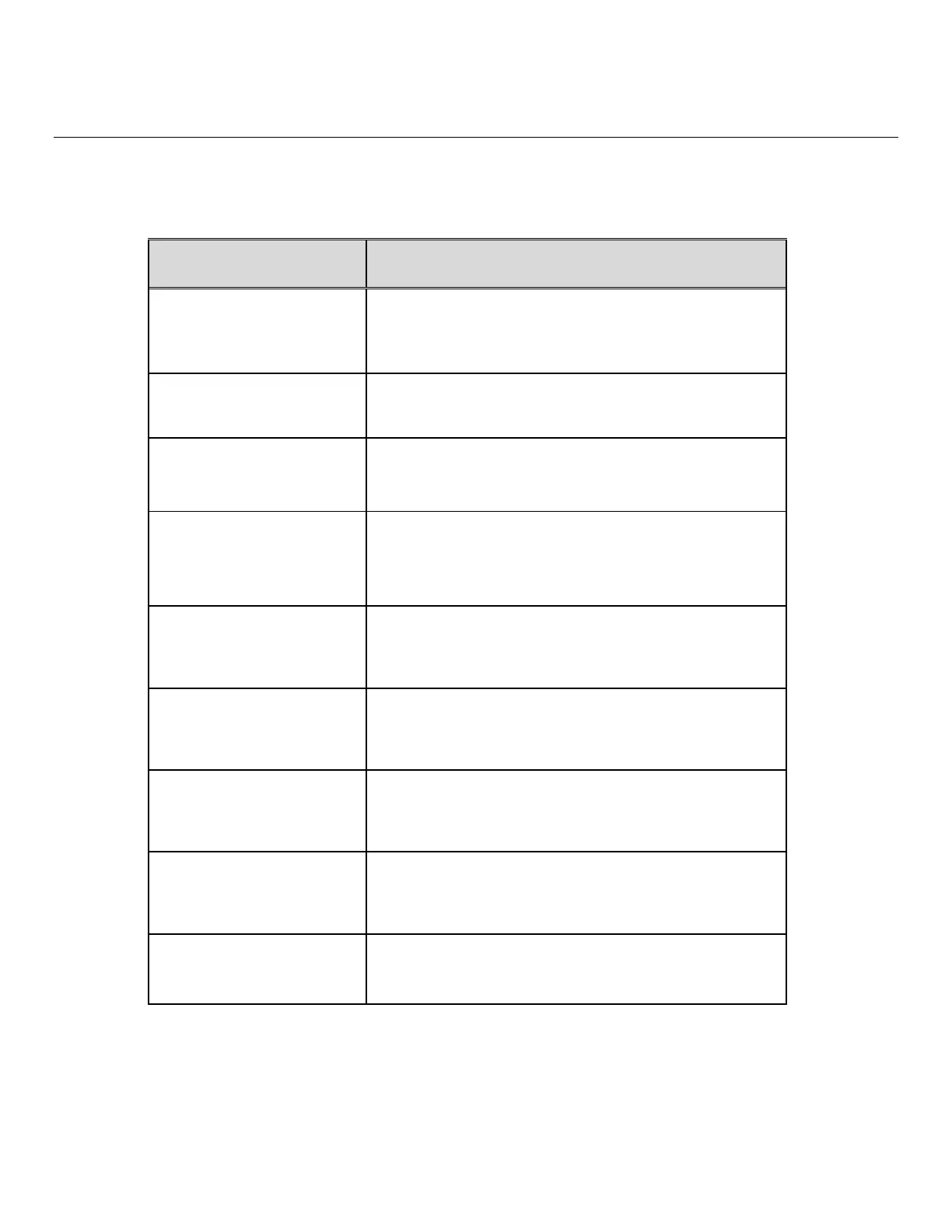
The table below shows error message that the system may detect. If the display shows an “ER” message, first unplug the
unit and then plug it back in. This may re-set the electronics, and if so, no further action is required. If the error message
reappears, try the solution under “Explanation.” If this still does not fix the problem, contact Dri-Eaz Service Department
on +44 (0)1908-611-211.
CONTROL PANEL
MESSAGE
EXPLANATION
ER1 CONTACT SERVICE
CENTER
Check AC power for inadequate voltage. The electronic
control panel may require replacement. Contact service.
ER2 CONTACT SERVICE
CENTER
The electronic control panel may require replacement.
Contact service.
ER3 CONTACT SERVICE
CENTER
Check defrost sensor for proper connection. Check sensor
cable for damage. Sensor assembly may need
replacement. Contact service.
CONNECT
– or –
ER4 √ OUTLET SENSOR
Check defrost sensor for proper connection. Check sensor
cable for damage. Sensor assembly may need
replacement. Contact service.
ER5 √ SENSOR CONNECT
ON BOARD
Check temp/RH sensor connections.
ER6 CONTACT
SERVICE CENTER
The high voltage board may need replacing. Contact
service.
ER7 INVALID
MODEL SETTING
Incorrect DIP switch settings or firmware version for that
specific model. Contact service.
ER8 BUTTON STUCK √
ALL BUTTONS
Press each membrane button and check for proper
operation. Membrane overlay may require replacement.
Contact service.
ER9 PUMP BLOCKED √
CHECK PUMP & HOSE
Check for obstructions in drain hose. Check the pump.



 To Next Page