ww w.drilldoctor.com 15
2. Adjust Bit Position
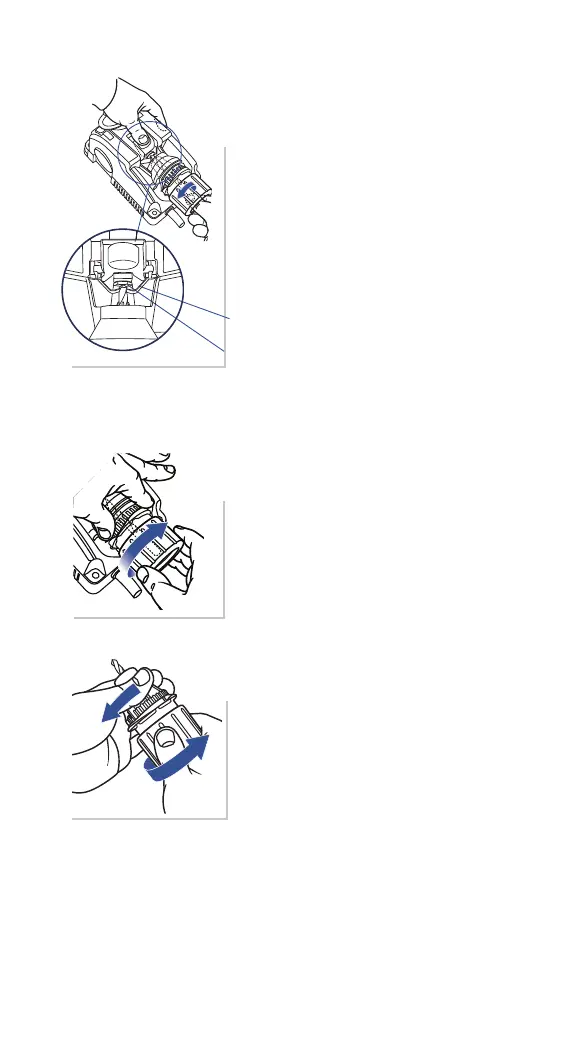
Look at the bit and make sure the Bit
Clamp Arms are in the bit’s narrowest
spot (the utes). If they aren’t, turn the
bit until it is. This is an important step
to proper alignment.
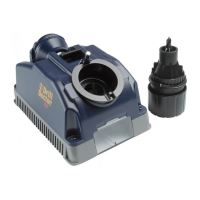
3. Tighten Chuck
Tighten the Chuck Knob. Avoid over
tightening the Chuck in the Alignment
Port. This could damage the Alignment
Port.
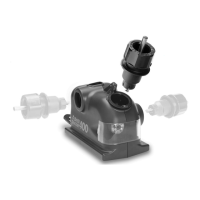
4. Remove and Re-tighten
Press the Alignment Button and remove
the Chuck from the Alignment Port.
Tighten the Chuck once more to ensure
the bit is held securely.
You are now ready to sharpen the drill
bit.
Bit Clamp Arms
Drill Stop




 To Next Page