ww w.drilldoctor.com24
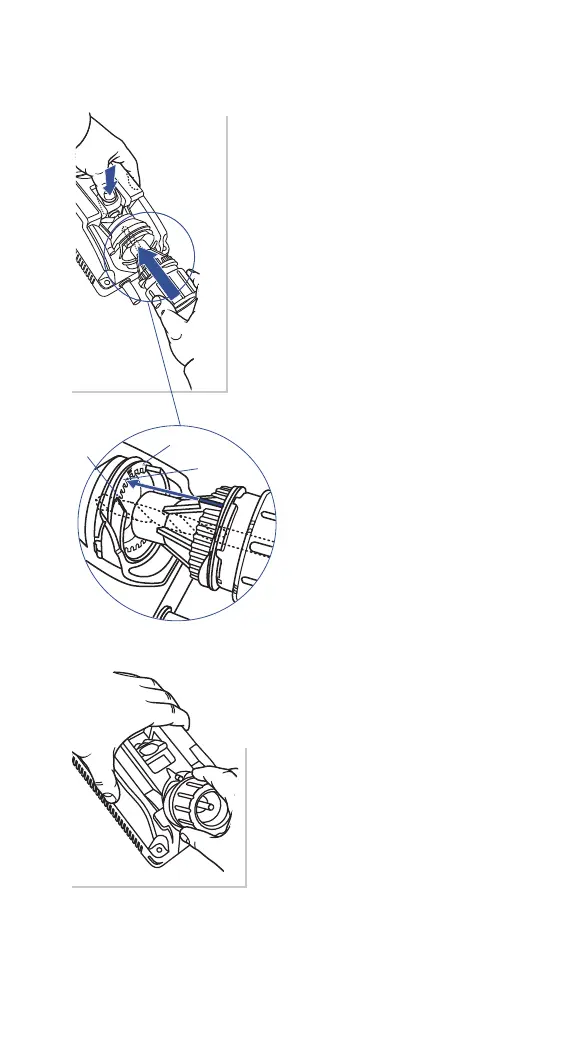
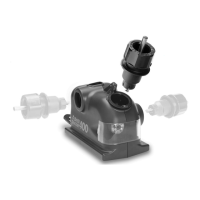
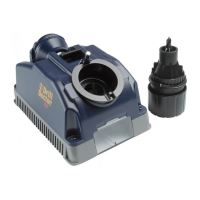
2 . Insert Chuck into Alignment Port
To adjust the Chisel and Relief Angles,
simply align the bit as usual with the
following adjustment:
To increase relief, insert the Chuck into
the Alignment Port so that the Align-
ment Guides (raised ns) are notched
into one of the slots towards the (+)
symbol. This will make a more aggres-
sive drill point.
To decrease relief, insert the Chuck
into the Alignment Port so that the
Alignment Guides (raised ns) are
notched into one of the slots towards
the (-) symbol. This will make a more
precise hole. Take care not to adjust
Relief too far as this will actually
cause the drill to lose all Relief and
therefore not drill a hole.
Each notch in the Alignment
Port is approximately a 10°
change in Chisel Angle.
3. Tighten Chuck, and sharpen
as usual
Refer to section "Sharpening the Bit"
for these Steps. Experiment with a few
dierent settings to nd the one that
best suits your drill bits and applica-
tion. You may nd it helpful to mark
this setting for future use.




 To Next Page