7
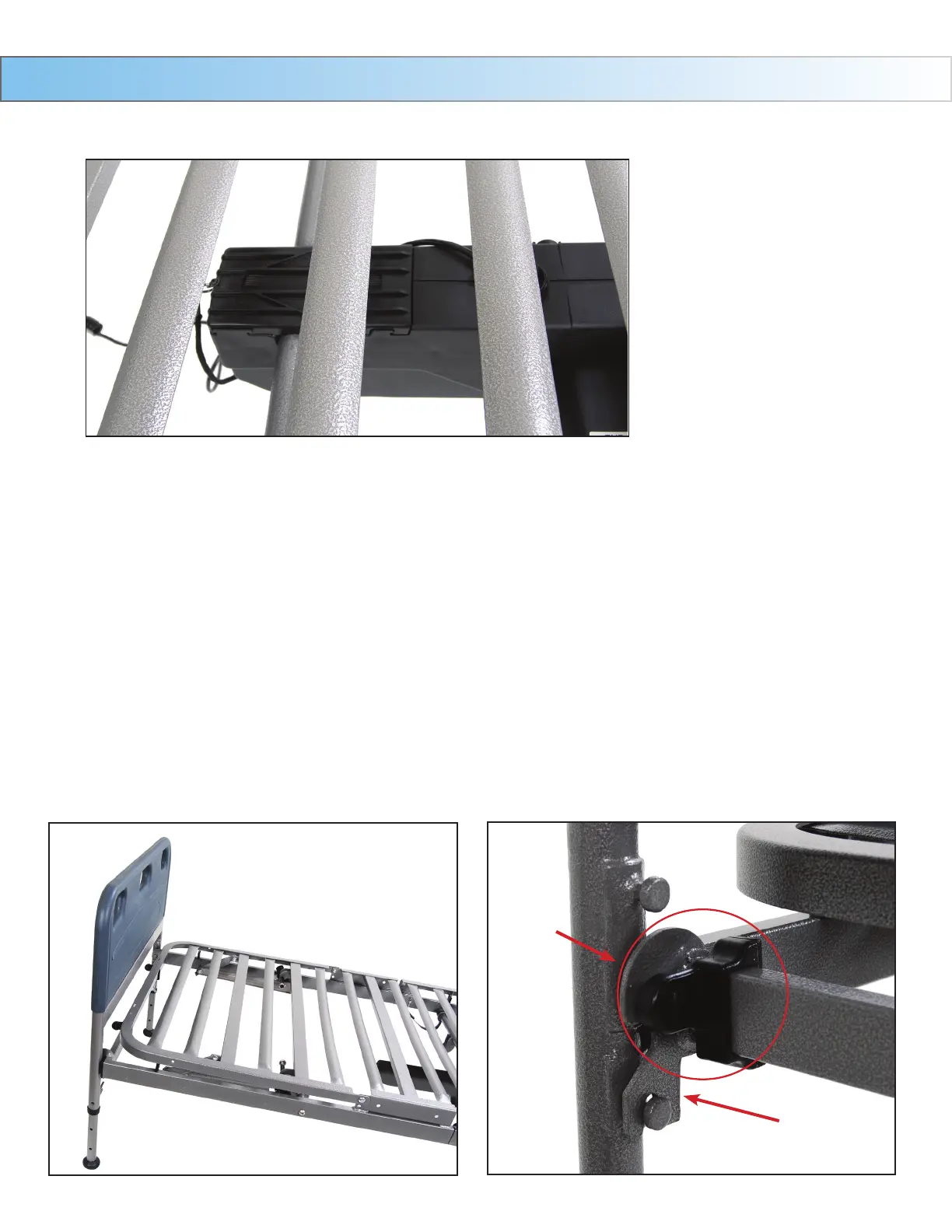
A6. Once in place, replace the motor covers to secure the motor.
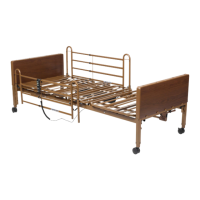
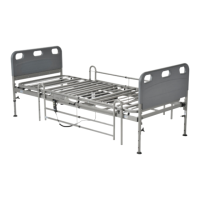
A6.Oncethemotorisattached,laybedatandinstallheadandfootboards.Thereare2height
adjustments on the head and foot board. Select the desired positions and hook the frame onto the foot
board.Slidelocktowardslegoffootboardtosecurepositionasshown.Repeatforoppositeside.
Assembly Instructions Cont.
Slide Lock
HEIGHT ADJUSTMENT
9. TheCompetitorbeddeckhastwoheightadjustments.
10. Adjustmentoneislocatedontheframeasindicatedbelow.Thereisahighpositionandalowposition.
11. Adjustmenttwoisonthelegoftheheadandfootboard.Toadjust,loosenthethumbscrewontheleg
andpullonthespringloadedknobwithonehandandslidethelegtothedesiredheightwiththeotherhand.
Oncethedesiredpositionisfound,turnthethumbscrewuntiltight.Adjustotherlegstothesameposition.


 To Next Page