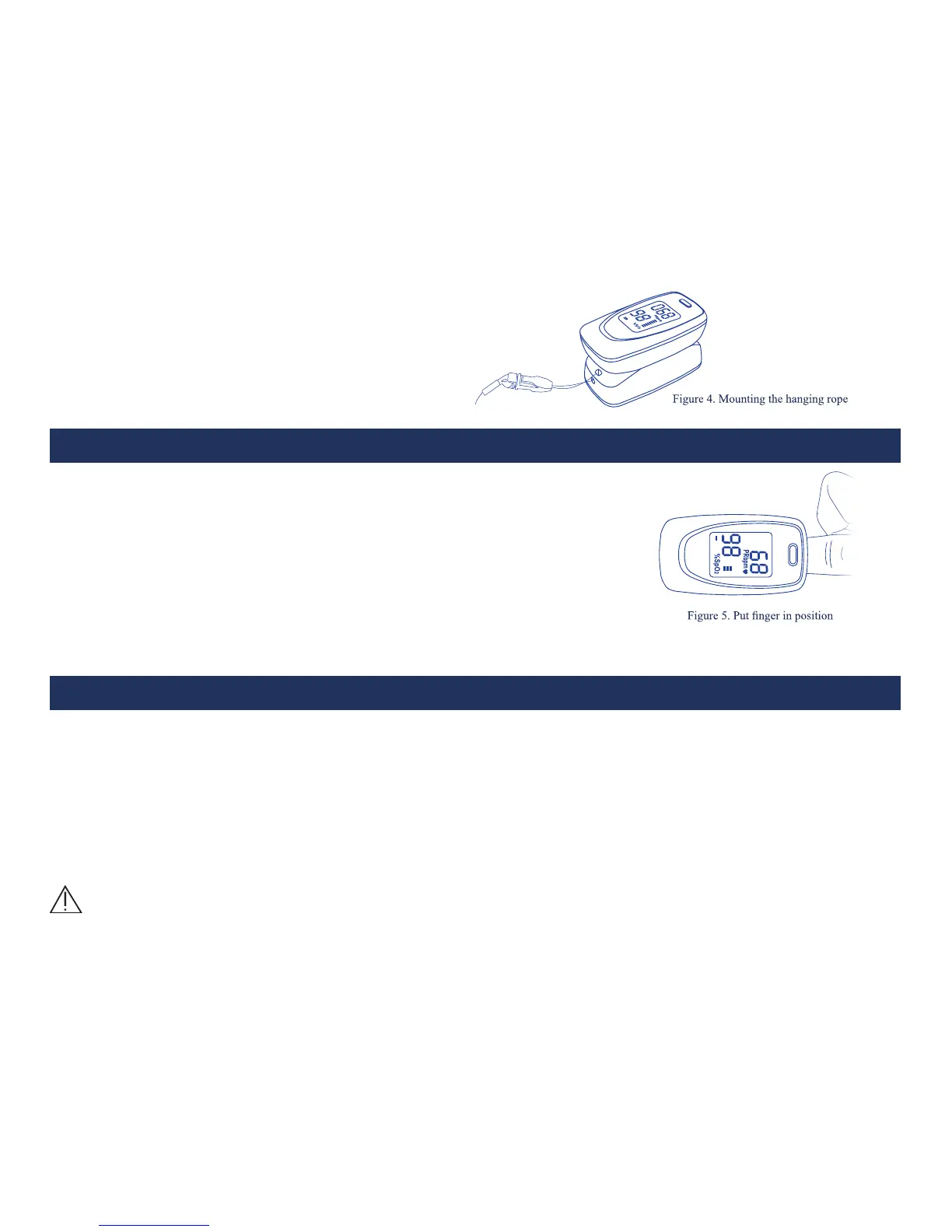
6.3 Mounting the lanyard
Step 1. Put the end of the lanyard through the hole.
Step 2. Put another end of the lanyard through the
rst one and then tighten it.
7 Operation Guide
7.1 Insert the two batteries properly to the direction, and then replace the cover.
7.2 Open the clip as shown in Figure 5.
7.3 Let the user’s nger put into the rubber cushions of the clip
(make sure the nger is in the right position), and then clip the nger.
7.4 Press the switch button once on front panel.
7.5 Do not shake the nger and keep the user at ease during the process.
Meanwhile, human body is not recommended in movement status.
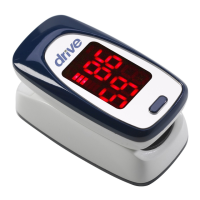
7.6 Get the information directly from screen display.
8 Reparing and Maintenance
Please change the batteries when the low-voltage displayed on the screen.
Please clean the surface of the device before using. Wipe the device with medical alcohol rst, and then let it dry
in air or clean it by dry clean fabric.
Using the medical alcohol to disinfect the product after use, prevent from cross infection for next time use.
Please take out the batteries if the oximeter is not in use for a long time.
The best storage environment of the device is - 40°C to 60°C ambient temperature and not higher than 95%
relative humidity
High-pressure sterilization cannot be used on the device.




 To Next Page