Button
Pulse waveform
5. Measurement Accuracy: ±2% in stage of 70%-100% Sp0,, and meaningless when stage being smaller than
70%. ±2 bpm or-,2% (select larger) for Pulse Rate.
6. Measurement Performance in Weak Filling Condition: SpO
2
, and pulse rate can be shown correctly
when pulse-lling ratio is 0.4%. SpO
2
, error is ±-4%, pulse rate error is ±2 bpm or +2% (select larger).
7. Resistance to surrounding light: The deviation between the value measured in the condition of man-made
light or indoor natural light and that of darkroom is less than ±1%.
8. It is equipped with a function switch. The Oximeter can be powered off in case no nger is the Oximeter within
5 seconds.
9. Optical Sensor
Red light (wavelength is 660nm, 6.65mW)
Infrared (wavelength is 880nm, 6.75mW)
5 Accessories
One lanyard;
Two batteries (optional);
One User Manual.
6 Installation
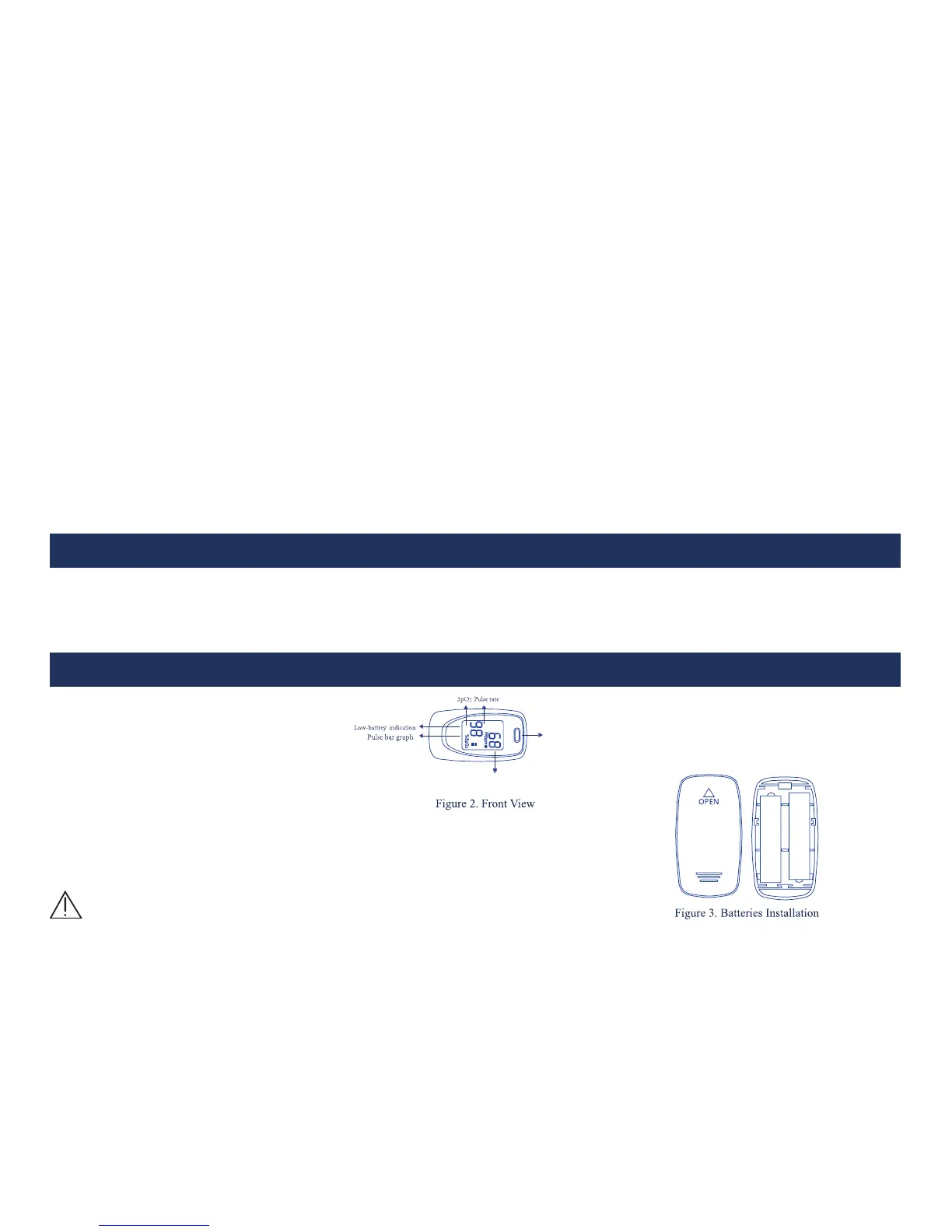
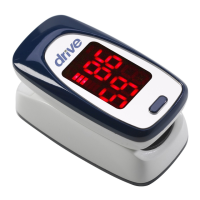
6.1 View of the Front Panel
6.2 Battery
Step 1. Refer to Figure 3. and insert the two AAA size batteries properly in
the right direction.
Step 2. Replace the cover.
Please take care when you insert the batteries for the
improper insertion may damage the device.




 To Next Page