Do not immerse the device in liquid.
It is recommended that the device should be kept in a dry environment. Humidity may reduce
the useful life of the device, or even damage it.
9 Troubleshooting
Trouble Possible Reason Solution
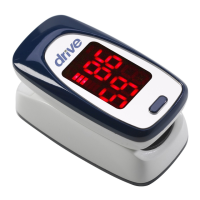
The SpO
2
and Pulse Rate can not be
displayed normally
1. The nger is not properly positioned.
2. The user’s SpO
2
, is too low to be
detected.
1. Place the nger properly and try again.
2. Try again; Go to a hospital for a diagnosis if you
are sure the device works all right
The SpO2 and Pulse Rate are not be
displayed stably
1. The nger is not placed inside deep enough.
2. The nger is shaking or the user is moving.
1. Place the nger properly and try again.
2. Let the user keep calm
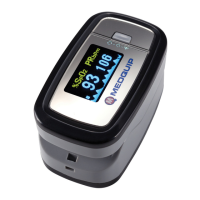
The device can not be turned on
1. The batteries are drained or ahnost drained.
2. The batteries are not inserted properly.
3. The malfunction of the device.
1. Change batteries.
2. Reinstall batteries.
3. Please contact the local service center.
The display is off suddenly
1. The device will power off automatically when
it e no signal within 5 seconds.
2. The batteries are almost drained.
1. Normal.
2. Change batteries.





 To Next Page