Drobo 5C User Guide
114
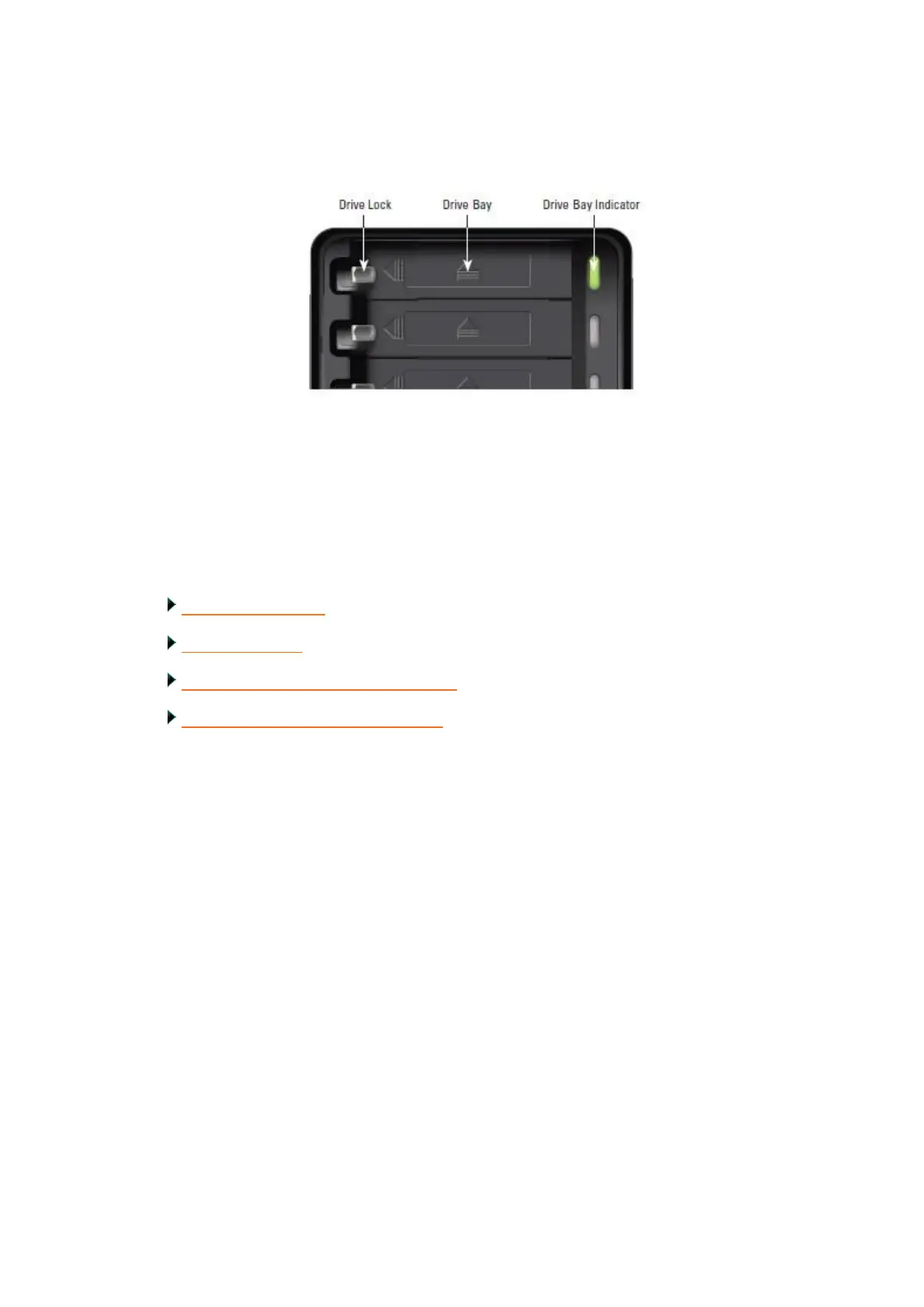
4. Use your thumb to depress (and open) the drive lock for the drive bay that contains
the drive you would like to remove. Refer to the image below.
The drive ejects from the drive bay. Carefully remove it.
5. Repeat step 4 to remove additional drives.
6. Replace the bezel when finished.
Related topics:
Managing Capacity
Adding Capacity
Safely Shutting Down Your Drobo 5C
Understanding the Indicator Lights



 To Next Page