Drobo 5C User Guide
150
1.8.5 Disabling On-Screen Alerts
You can disable on-screen alerts at any time. To do so, follow these steps:
1. From the Drobo Dashboard, click the Dashboard Preferences option on
the Navigation menu.
The Dashboard Preferences page opens.
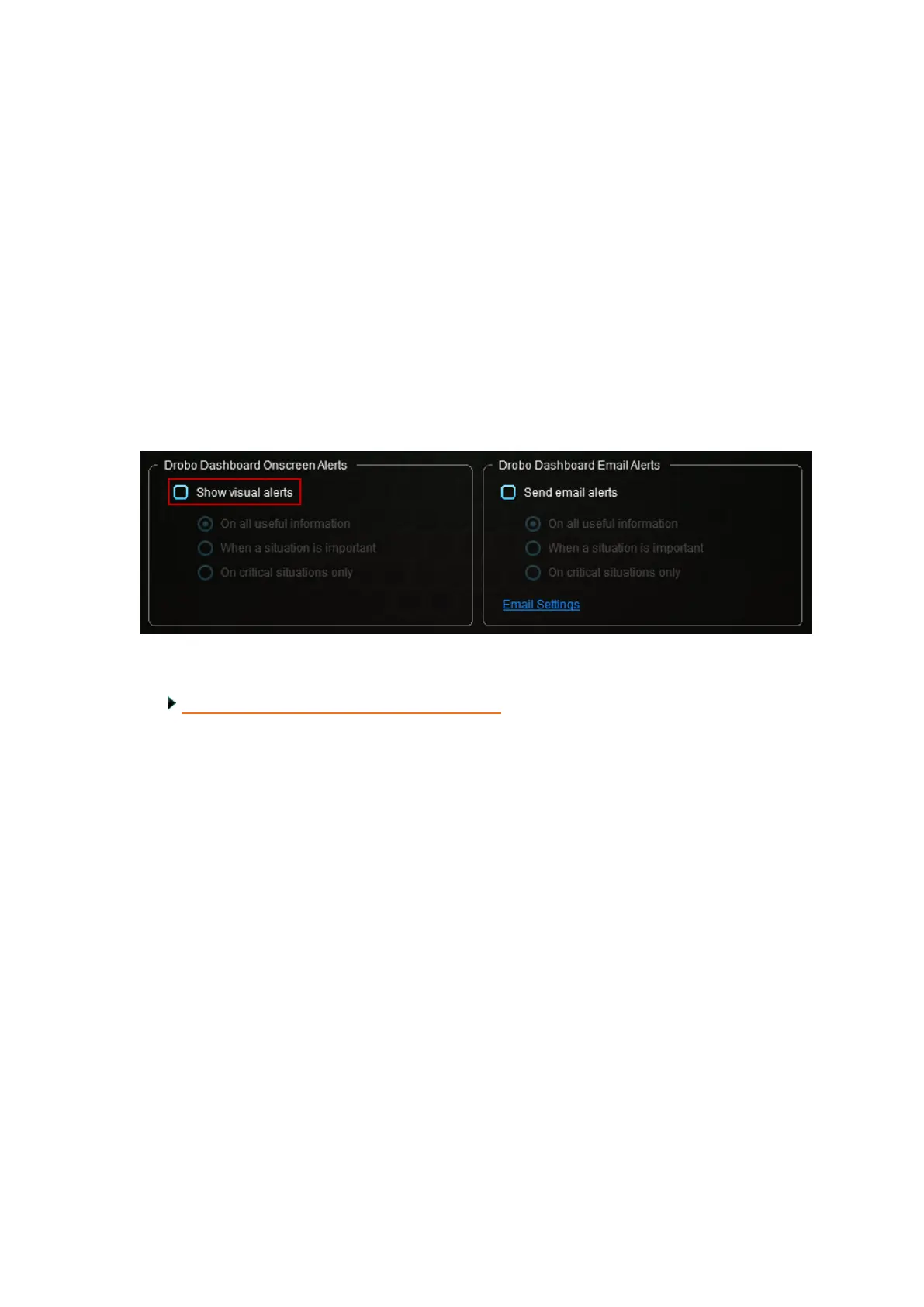
2. In the Drobo Dashboard Onscreen Alerts area, ensure the Show visual alerts check
box is cleared.
Related topic:
Modifying When to Send On-Screen Alerts.



 To Previous Page