Drobo 5C User Guide
124
1.7.4 Checking Your Drobo 5C's Firmware Version
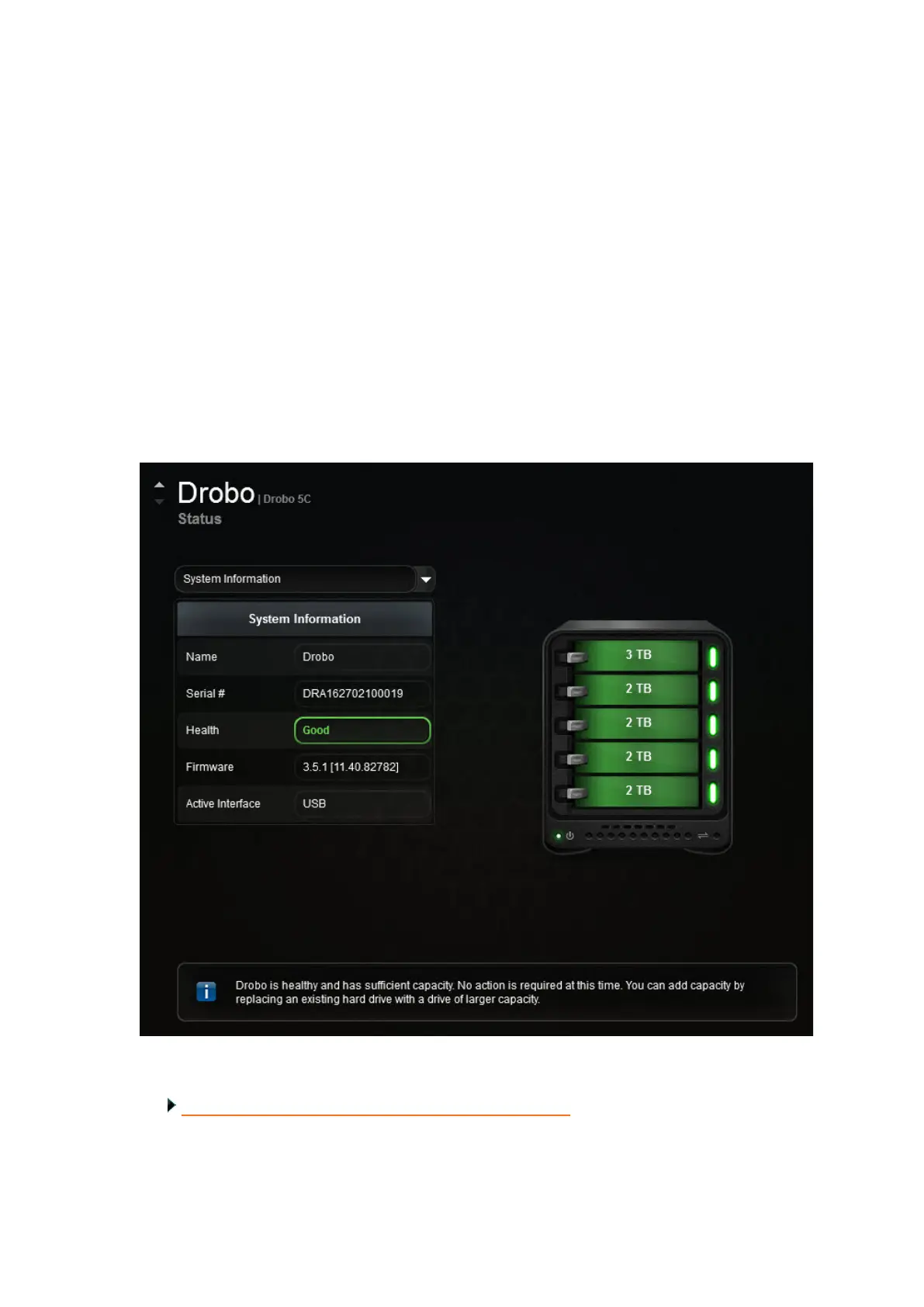
You can check for your Drobo 5C’s firmware version on the Status page in Drobo
Dashboard.
1. In Drobo Dashboard on the All Drobos page, select the appropriate Drobo 5C.
2. Click the Status option on the Navigation menu.
The Status page opens.
3. Select System Information from the drop-down list to view the firmware version for
the selected Drobo device.
Related topic:
Checking Your Current Version of Drobo Dashboard



 To Next Page