Drobo 5C User Guide 98
1.4.5 Resetting Your Drobo 5C
You can reset your Drobo device back to its factory defaults.
Warning:
Resetting your Drobo device erases all the data on the drives.
1. In Drobo Dashboard, select the appropriate Drobo device on the All Drobos page,
and click the Tools option on the Navigation menu.
The Tools page for that Drobo device opens.
2. In the Drobo Reset area, click the Drobo Reset option.
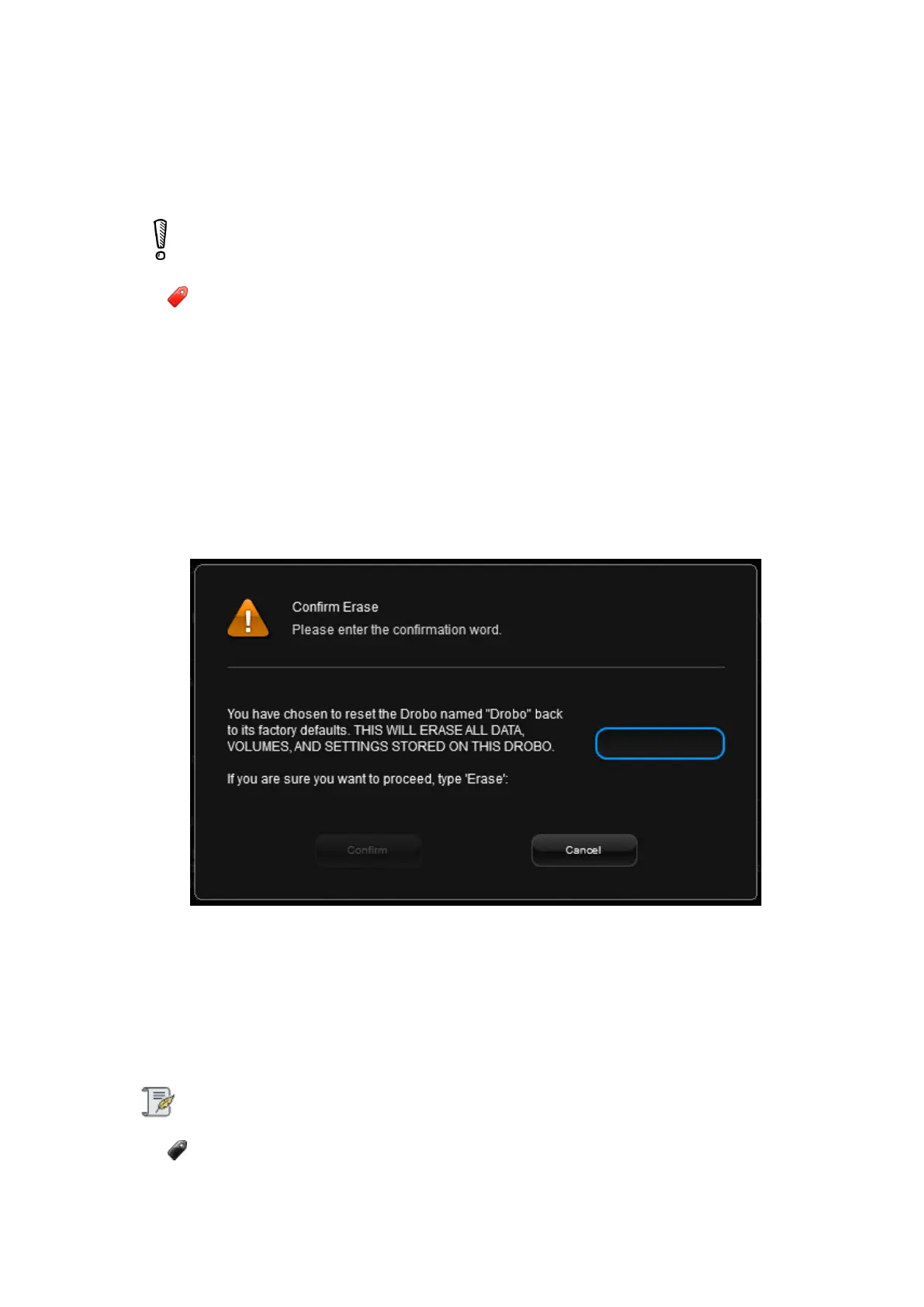
The Confirm Erase dialog page opens.
3. If you are sure you would like to proceed, in the text box, type ERASE and click
the Confirm button.
Your Drobo device gets reset to its factory settings, which can take a few minutes.
Once complete, this Drobo device no longer displays in Drobo Dashboard.
Note:
If the Drobo device remains powered on and connected to your host computer,
Drobo Dashboard will re-discover the Drobo device as if it were new.



 To Next Page