Drobo 5C User Guide
118
● Free Space – The part of the total protected capacity available for use.
Tip:
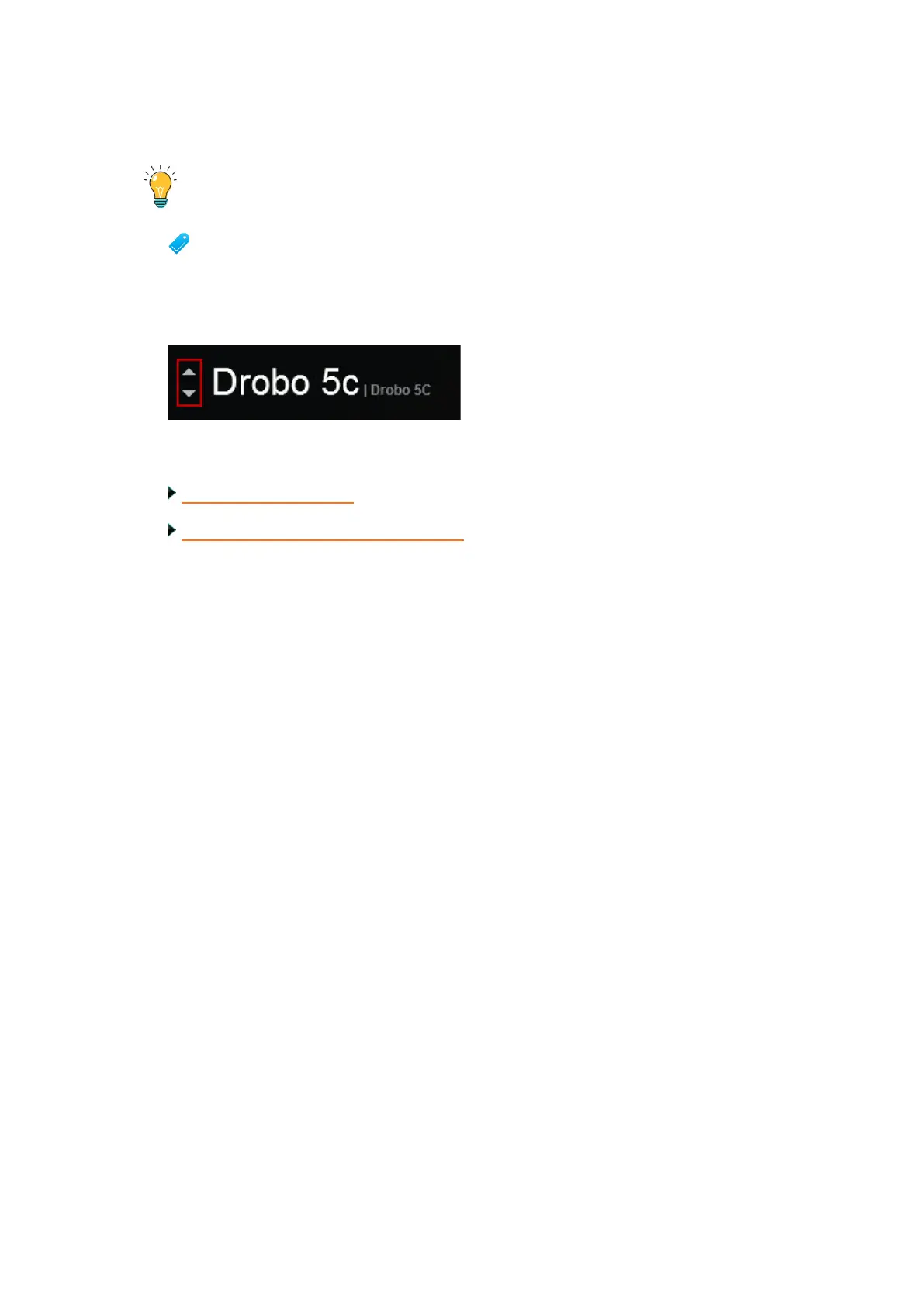
To view this information for other connected Drobo devices (if applicable), you
can click the up or down arrow key that displays to the left of the Drobo device
name, which is in the upper-left corner of the page. See the arrows in the image
below.
Related topics:
Viewing Storage Usage
Checking the Status of Your Drobo 5C



 To Next Page