Drobo 5C User Guide 29
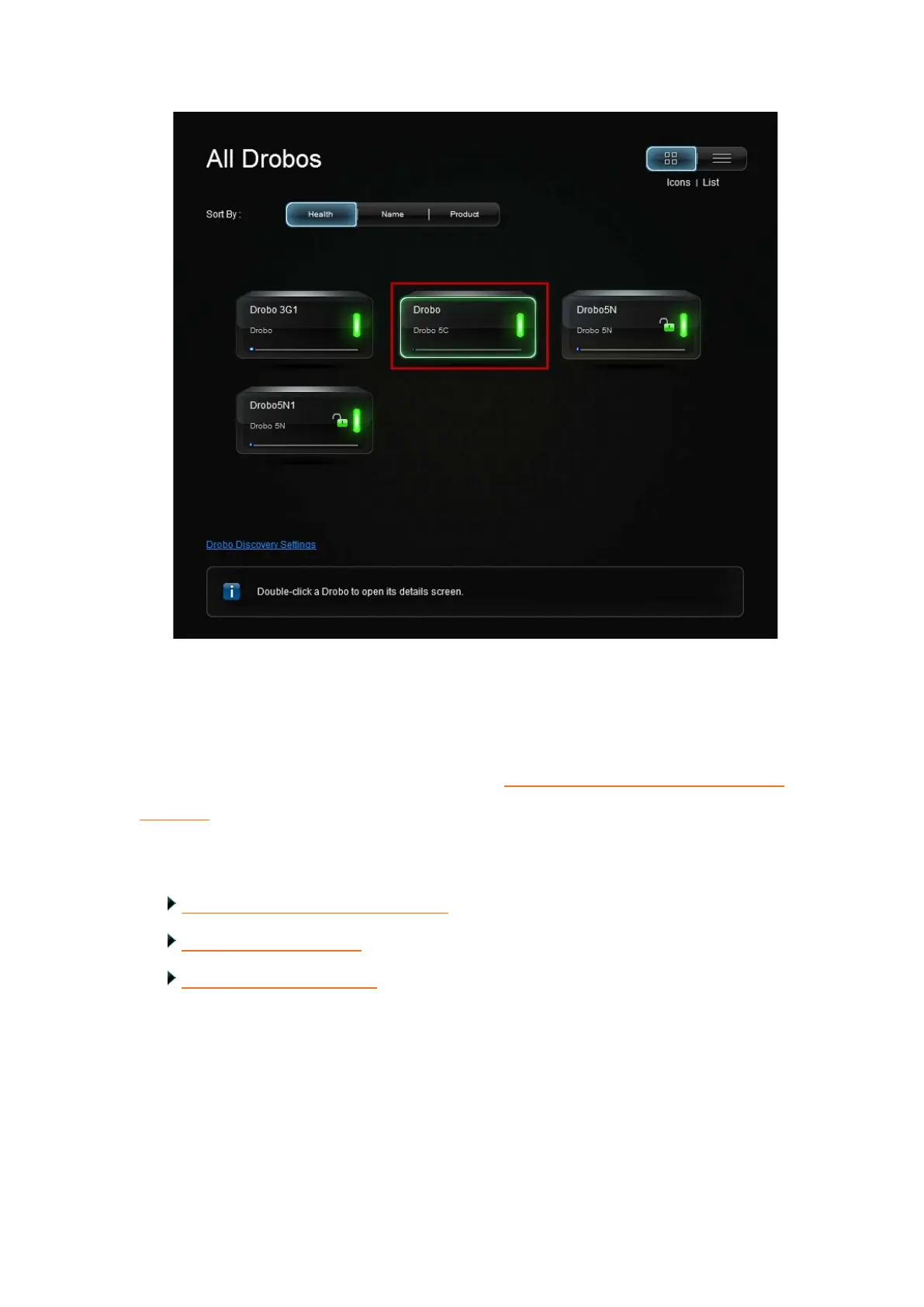
12. If you have no Drobo device connected to the computer or powered on, a "No
Drobos Detected" message displays until you do.
13. Your Drobo 5C will not work until you update the firmware. For information on
updating the firmware to the latest version, see Updating your Drobo 5C to the latest
firmware.
Related topics:
Installing Drobo Dashboard on Mac
Using Drobo Dashboard
Touring Drobo Dashboard



 To Next Page