Drobo 5C User Guide 55
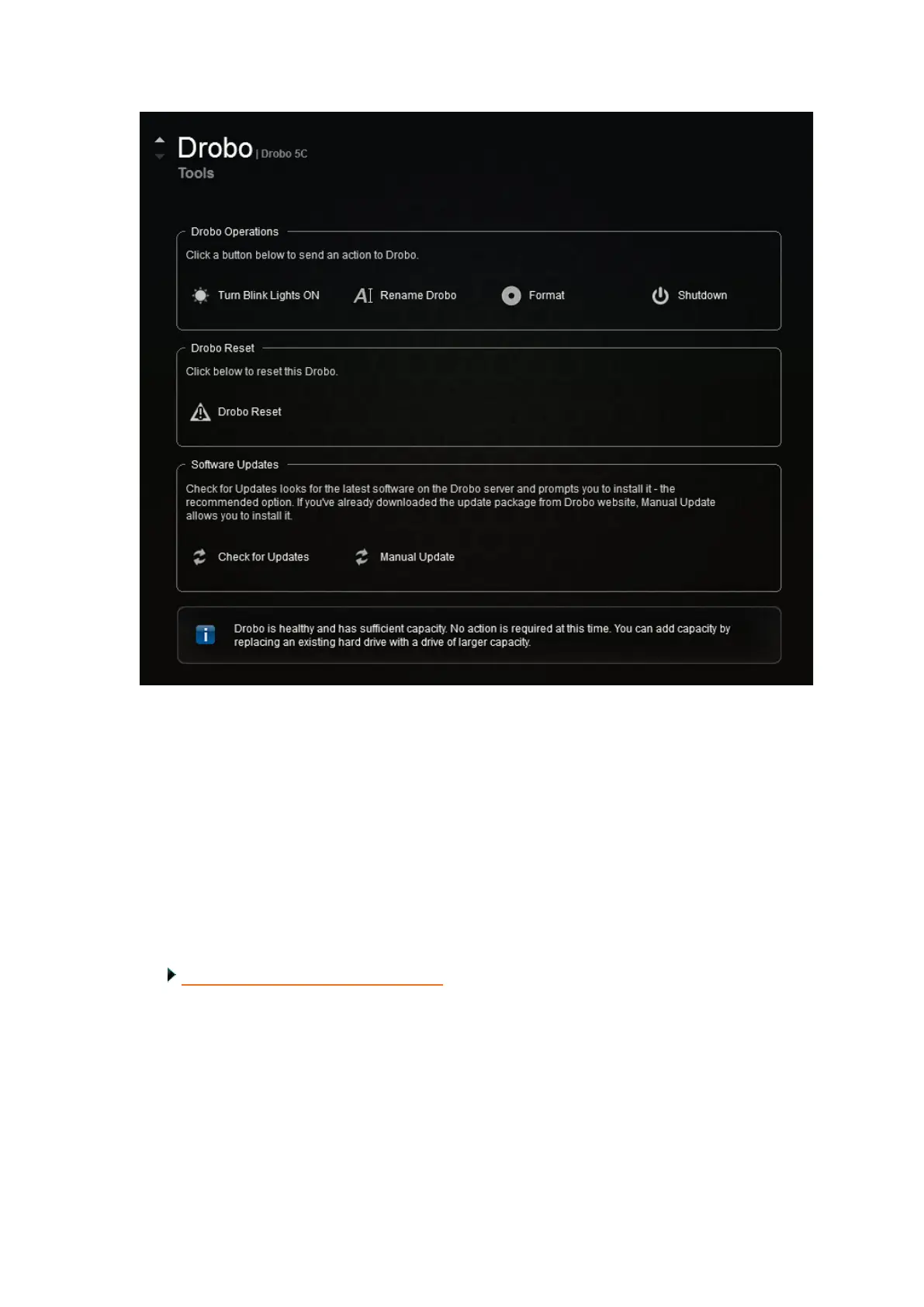
4. In the Drobo Operations area, select the Shutdown option.
A message box opens, asking you to confirm the shutdown.
5. Click the Yes button.
It can take up to two minutes for your Drobo 5C to power down. Afterwards, the
power light turns off, indicating your Drobo device has shut down.
Related topic:
Understanding the Indicator Lights



 To Next Page