Drobo B810n Getting Started Guide 13
2.4.1 How to download Drobo Dashboard application
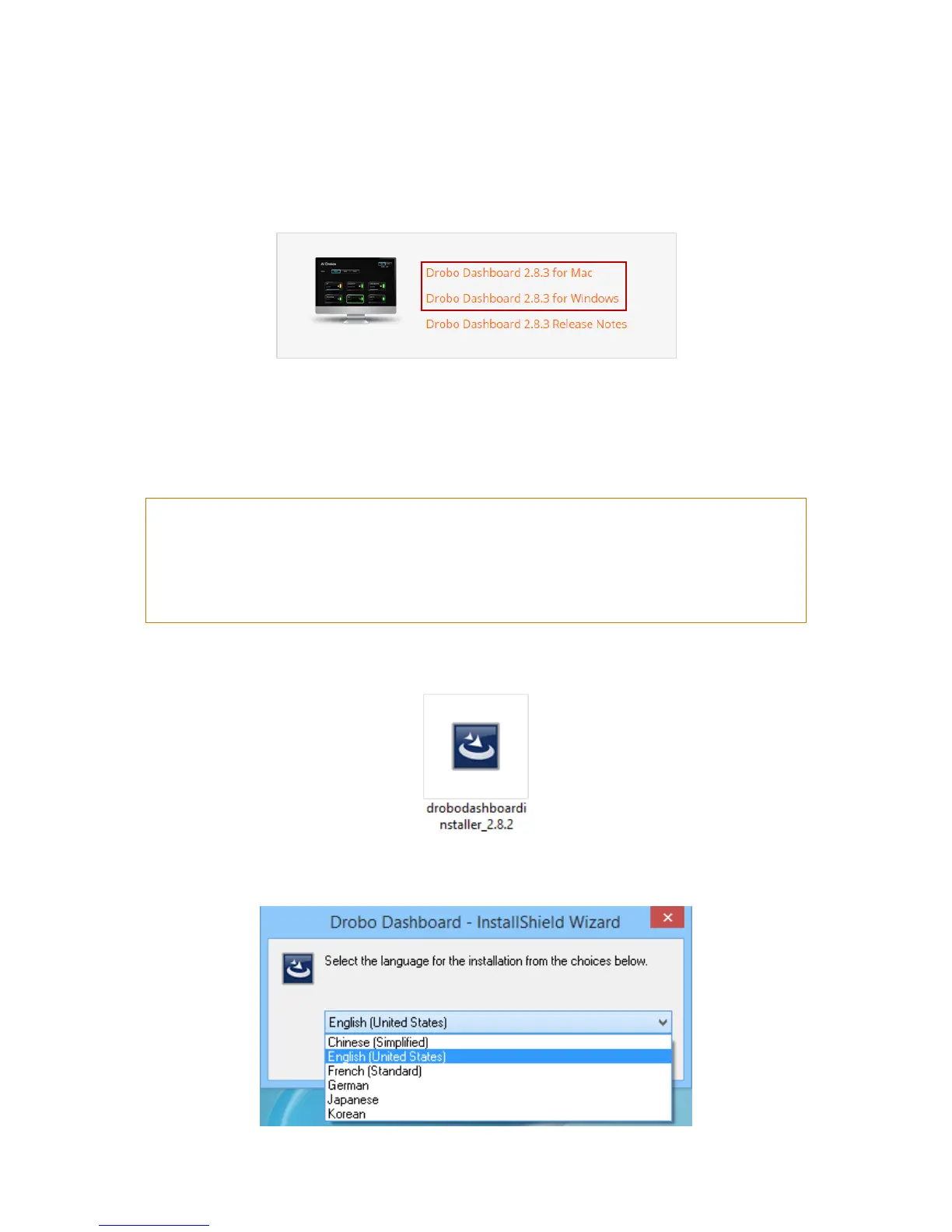
Go to the Start Drobo B810n page and click the appropriate Drobo Dashboard installation file based
on the operating system (Windows/Mac) you are using. This downloads the Drobo Dashboard
Installer.
Now, let us see how to install the Drobo Dashboard.
2.4.2 How to install Drobo Dashboard on Windows
To install the Drobo Dashboard on a Windows machine:
If you are a first-time Drobo user, then simply install the latest version of the Drobo Dashboard.
If you are an existing Drobo user and have a Drobo Dashboard version earlier than 2.7.0 installed, then
you must uninstall the Drobo Dashboard prior to installing the latest version. For more information, see
What is the proper way to uninstall and re-install Drobo Dashboard on my Windows computer?
1. After downloading the Drobo Dashboard installation file for Windows, double-click the Drobo
Dashboard Installer to launch it.
2. A pop up will appear asking you to choose the language for installation. Select the language of
your choice and click OK.



 To Next Page