Drobo B810n Getting Started Guide 33
3.7 Getting technical support
To get technical support from Drobo, make sure you have registered your Drobo B810n at the Drobo
Log In page. If not registered yet, go to Drobo Support page for details on how to contact support.
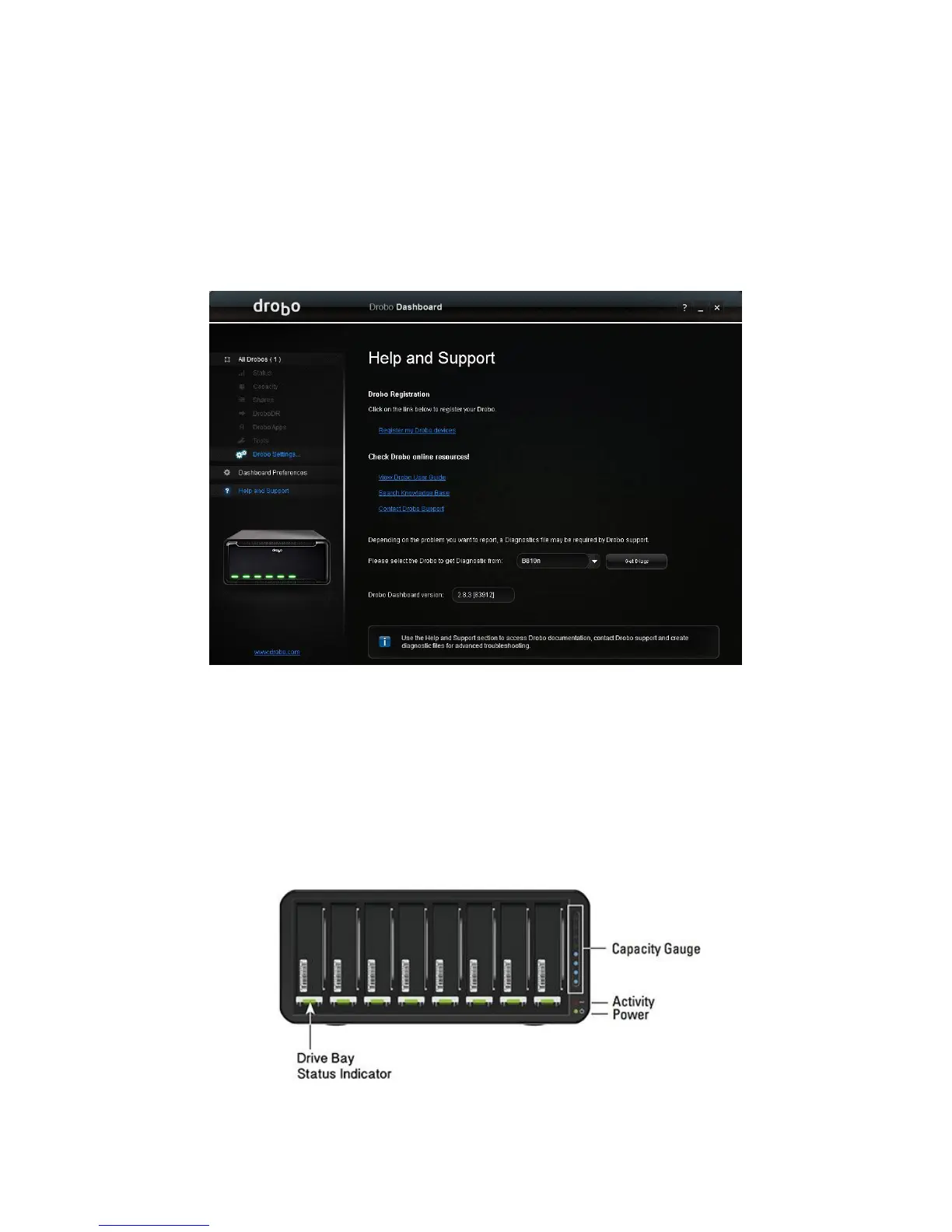
You can also use the Help and Support page in the Drobo Dashboard for registration. The Help
and Support page opens and allows you to register your Drobo, access the online user guide and
knowledge base, contact the Drobo support team and create a diagnostics file.
You can also obtain additional hardware and phone support by purchasing DroboCare™. To know
more details on DroboCare™ and how to purchase it, visit the DroboCare page on our website. Also,
see our DroboCare FAQ.
3.8 Guide to meaning of indicator lights (LEDs)
Your Drobo B810n provides a variety of status information via its indicator lights, as described in the
table below.
Figure 5: Drobo B810n Indicator lights



 To Next Page