Drobo B810n Getting Started Guide 23
If you need to assess that the process is moving smoothly, see Guide to meaning of indicator lights
(LEDs).
12. Alternatively, you can use the pinhole method to erase data from the disk. For more
information, see How can I clear all my data off my Drobo storage device and start anew? This
is for new setups only where the drives have no data.
This procedure will erase all data from all drives and return your Drobo 810n to default settings.
2.6 Registering your Drobo B810n
If you did not register your Drobo B810n during setup, then you can register it from the Drobo
Dashboard.
Make sure you are connected to the Internet before performing this action.
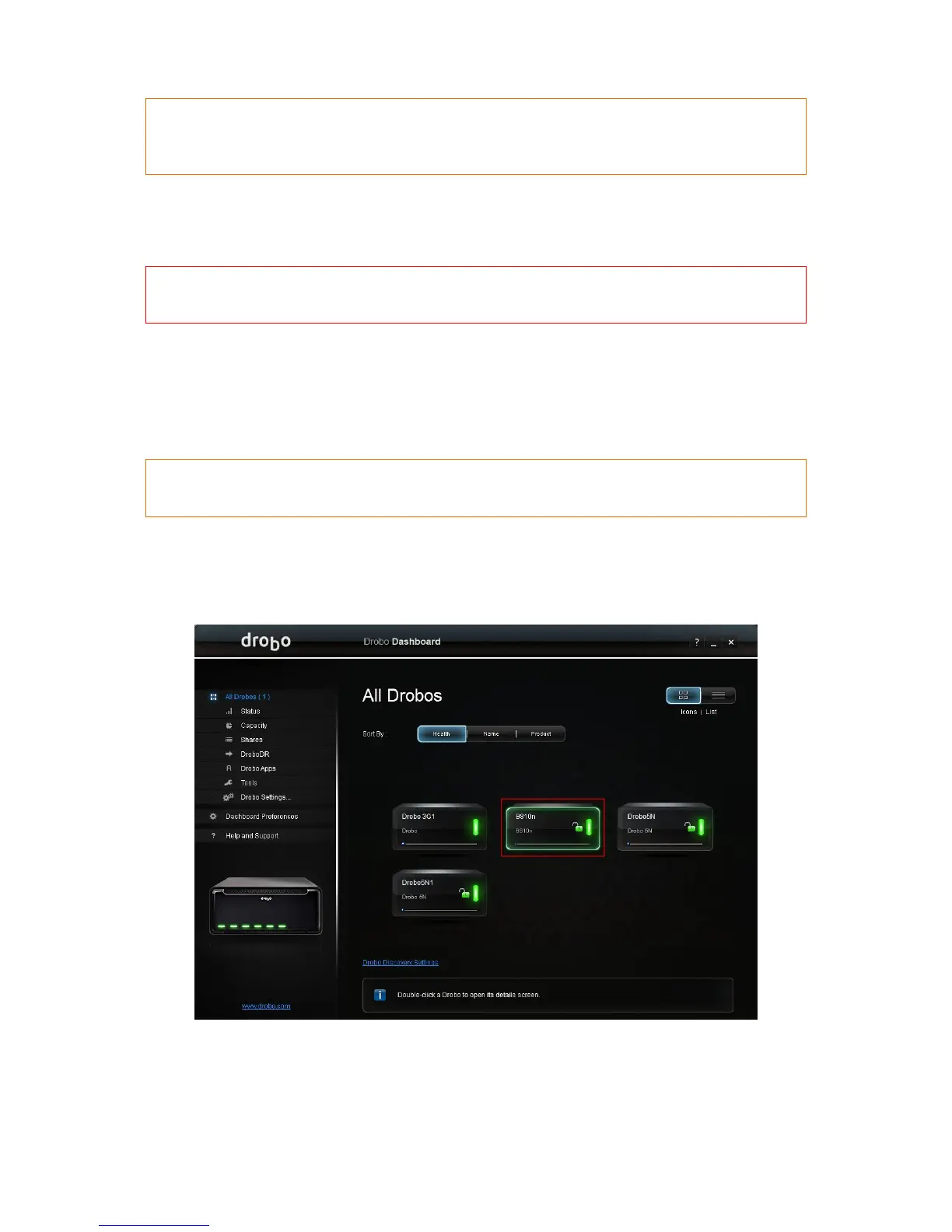
To register your Drobo B810n from the Drobo Dashboard:
1. From the All Drobos page, select Drobo B810n. Then, click the Help and Support option on
the Navigation menu.
2. The Help and Support page for Drobo B810n opens.



 To Next Page