Drobo B810n Getting Started Guide 24
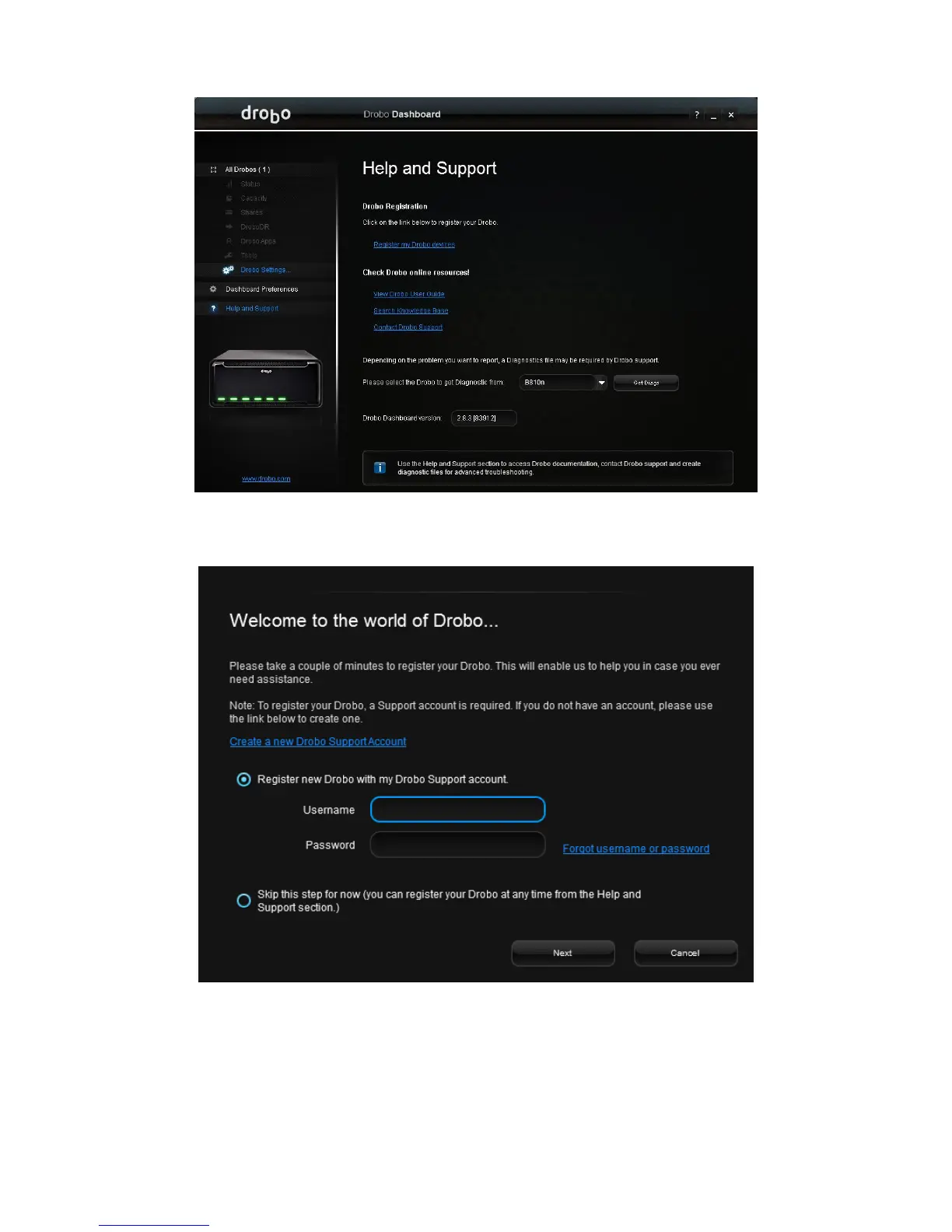
3. In the Drobo Registration area, click the Register my Drobo devices link. This opens the
Registration page.
4. Do one of the following:
If you do not have a Drobo account, click the Create a new Drobo account link. The
Login page opens in your web browser. Then, click the Create an Account button to open
the Signup page. Enter the required information and create your account, and then return
to this step to log in to your account.



 To Next Page