Drobo B810n Getting Started Guide 8
1.4.2.2 Drobo drive compatibility
This table describes Drobo B810n compatibility with specific types of HDDs and SSDs.
Any performance classification. Choose based on
your usage demands.
To see which solid state drives are compatible with
Drobo B810n, please see a list of qualified drives at
What SSDs can I use with the Drobo B810n, Drobo
5D, Drobo Gen 3, Drobo 5N and Drobo Mini?
If an incompatible SSD is
inserted into the Drobo, the
drive light will blink red,
indicating the need to replace
that drive.
1.4.3 Determining drive space requirements
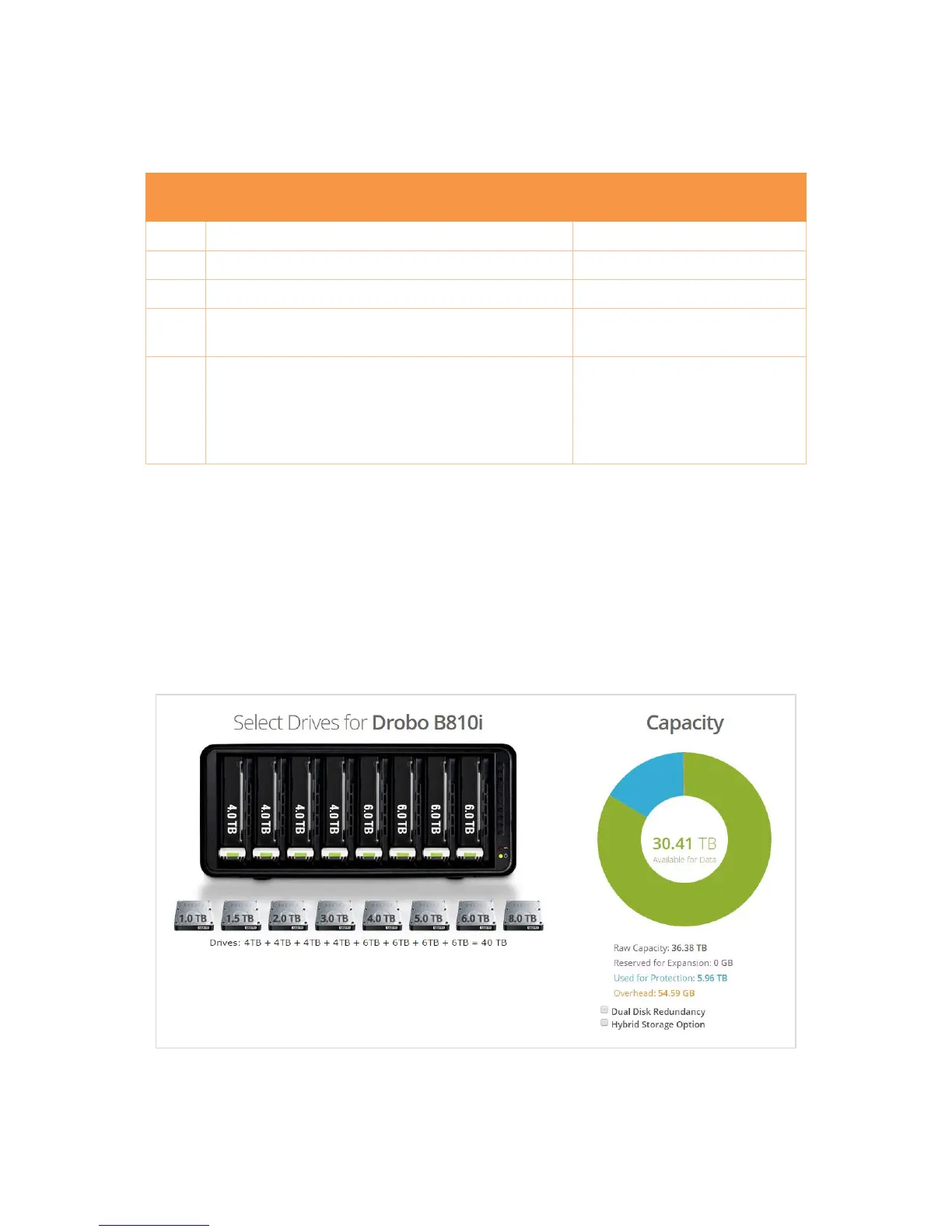
Your Drobo B810n automatically divides the total disk capacity of all its drives between data storage,
data protection, and expansion. We offer a tool for previewing that space allocation.
1.4.3.1 Capacity calculator
The best way to determine how much usable and protected storage space is available for your data,
based on the number and capacity of your drives, visit our Drobo Drive Capacity Calculator page.
Figure 4: Drobo Drive Capacity Calculator



 To Next Page