Drobo B810n Getting Started Guide 15
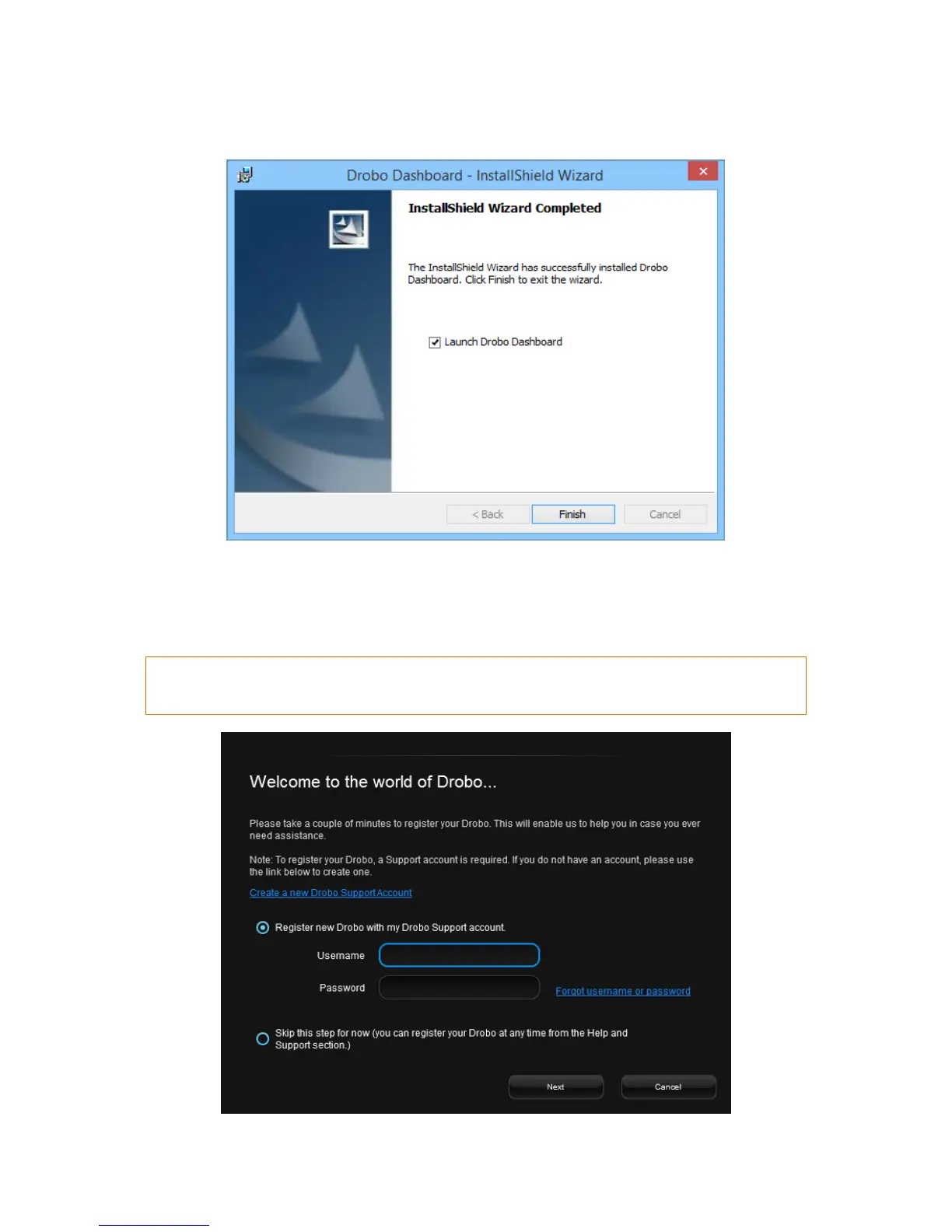
8. After the installation is complete, be sure the Launch Drobo Dashboard checkbox is selected
and then, click the Finish button.
9. The Drobo Dashboard application launches and you will be prompted to register your Drobo
B810n. You can either register the Drobo B810n or skip the step and register it later. Select an
option based on you preference. The serial number is printed on the compliance label at the
bottom of the device.



 To Next Page