Drobo B810n Getting Started Guide 19
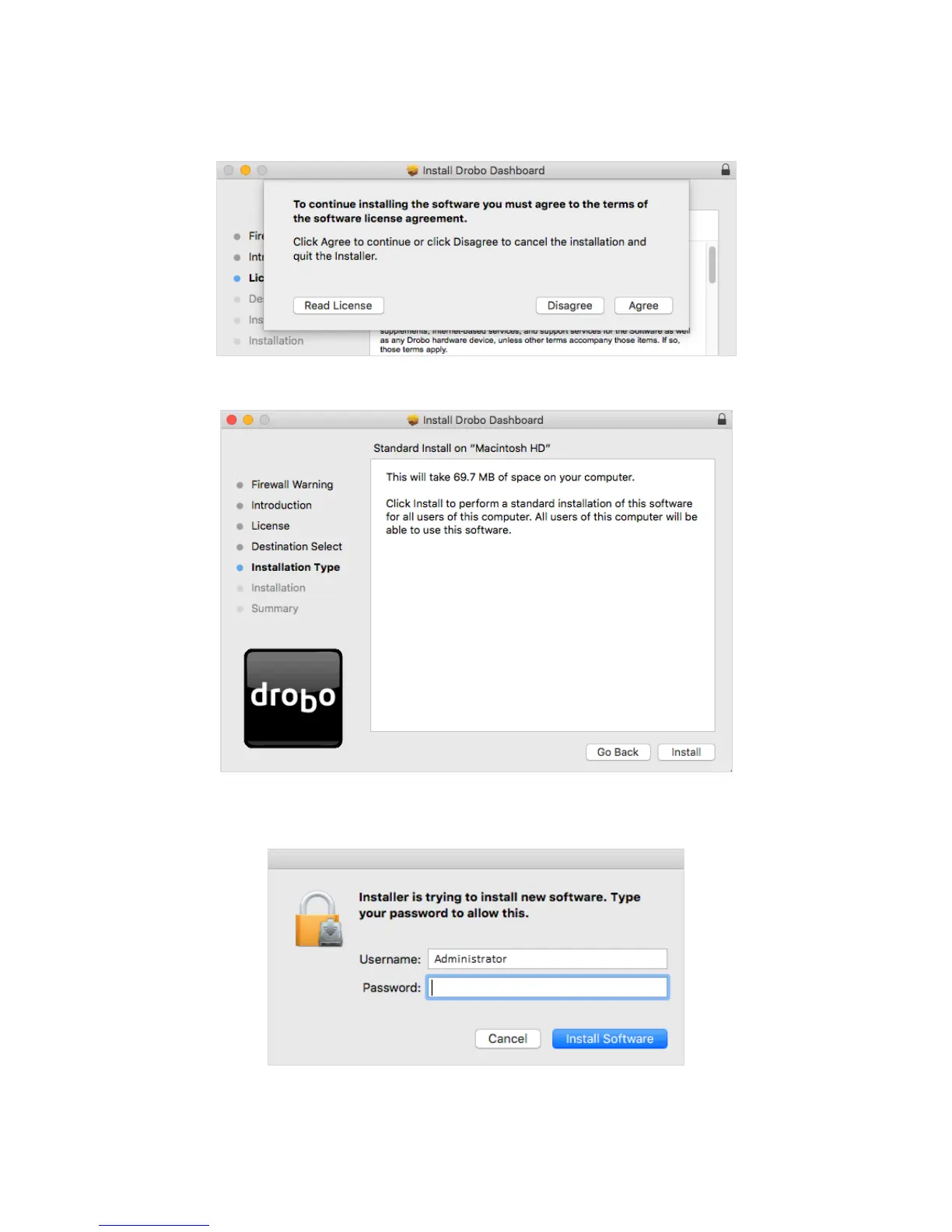
8. A dialog box will appear asking you to Agree or Disagree the terms of the license agreement.
Click Agree to proceed.
9. You will reach the Installation Type section. Click Install to proceed.
10. You will be prompted to enter the administrator password. Enter the password and click
Install Software.
11. Then, you will be prompted to restart your computer in order to complete the installation.
Click Continue Installation to proceed.



 To Next Page