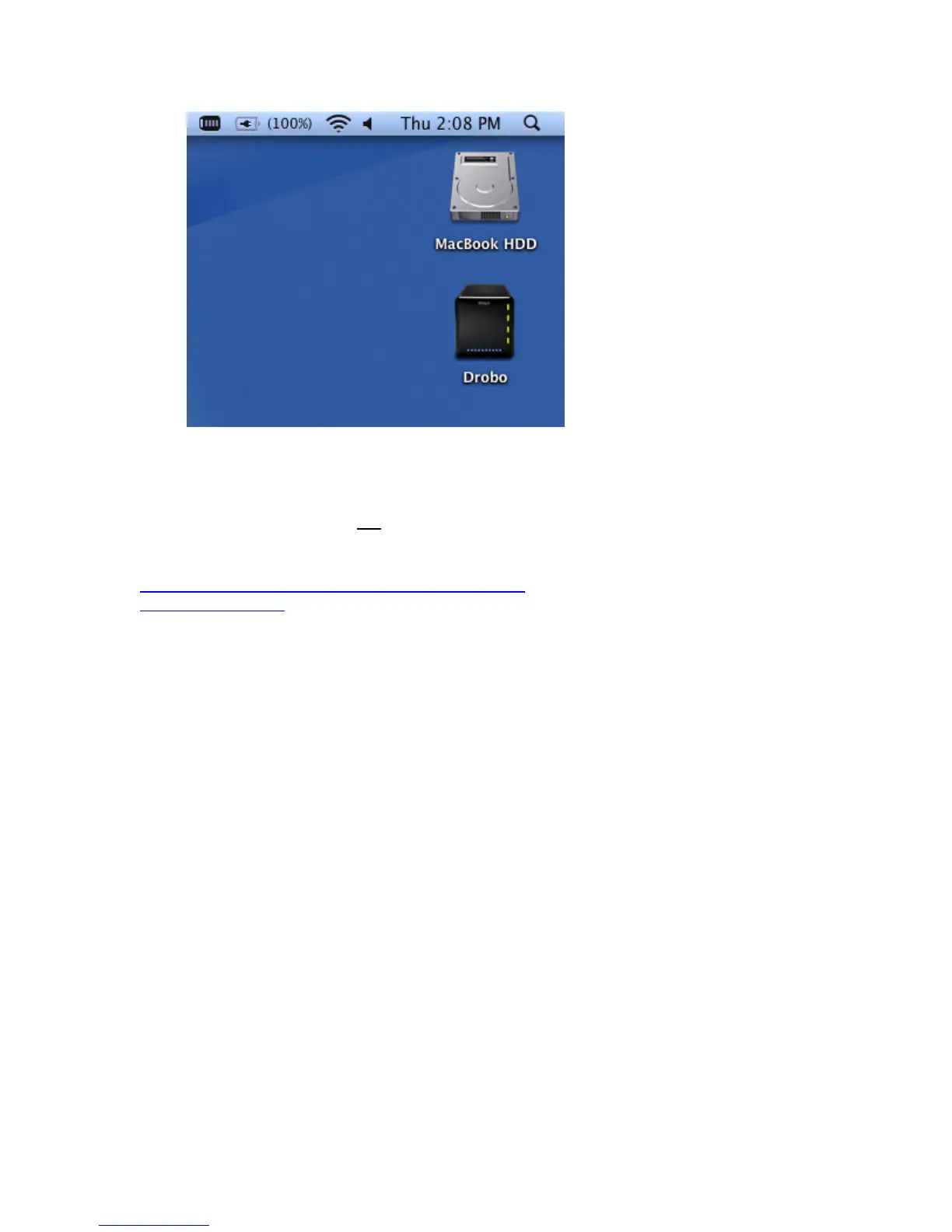
Tip: Once Drobo has been formatted, you do not need to perform this format procedure again for any other drive you add
or upsize in Drobo until you add enough capacity where the actual capacity is larger than the volume size. When that
happens, follow the steps above to format the newly created volume. Any new capacity created by adding a new hard
drive will be available within seconds.
Warning: The Erase command erases
ALL data on all hard drives in Drobo.
Related Topics
My Mac Says Drobo Has More Capacity Than it Actually Does
Starting Drobo Dashboard
15



 To Next Page