Compacta - User s Manual
Compacta User_en ed 1 Feb 05.doc
Page
20
of 34
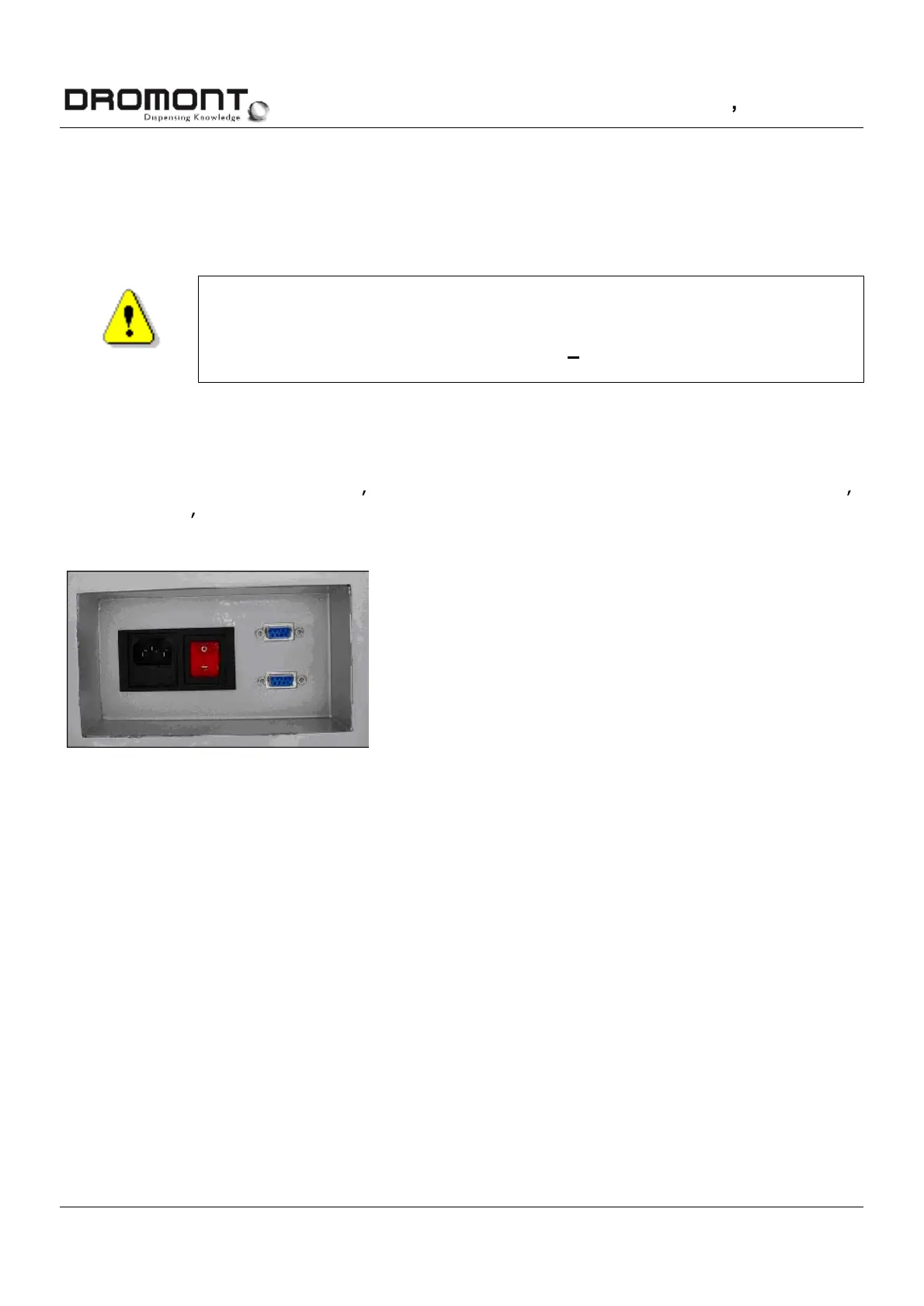
Plug the power cable in the machine and in the powernet (see PIC.5.5).
WARNING
IT IS NOT POSSIBLE TO ADAPT THE MACHINE TO A VOLTAGE
DIFFERENT FROM THE ONE PRINTED ON THE LABEL. ENGAGING THE
WRONG VALUE CAN CAUSE A BLOW UP OF THE TRANSFORMER.
Place the computer on a spot nearby the dispenser.
Plug the 9 pin connector of the PCs serial port RS 232 (see picture 5-6) into the dispenser s
serial plug. You ll find the plug on the backside of the machine.
picture
5-6
Insert power(01) and serial cable (02)



 To Next Page