33
PC3000 Version 7.51
[47] Modem Configuration Page 22
This section is used to set up the panel for downloading functions. The following table shows the On/Off patterns
of zone lights 1 through 4 which are used to set the Number of Rings before the panel will answer a call from the
downloading computer. The default setting is 12.
Number of Rings Default
1 2 3 4 5 6 7 8 9 10 11 12
Zone Light 1 On Off On Off On Off On Off On Off On Off
Zone Light 2 Off On On Off Off On On Off Off On On Off
Zone Light 3 Off Off Off On On On On Off Off Off Off On
Zone Light 4 Off Off Off Off Off Off Off On On On On On
Default
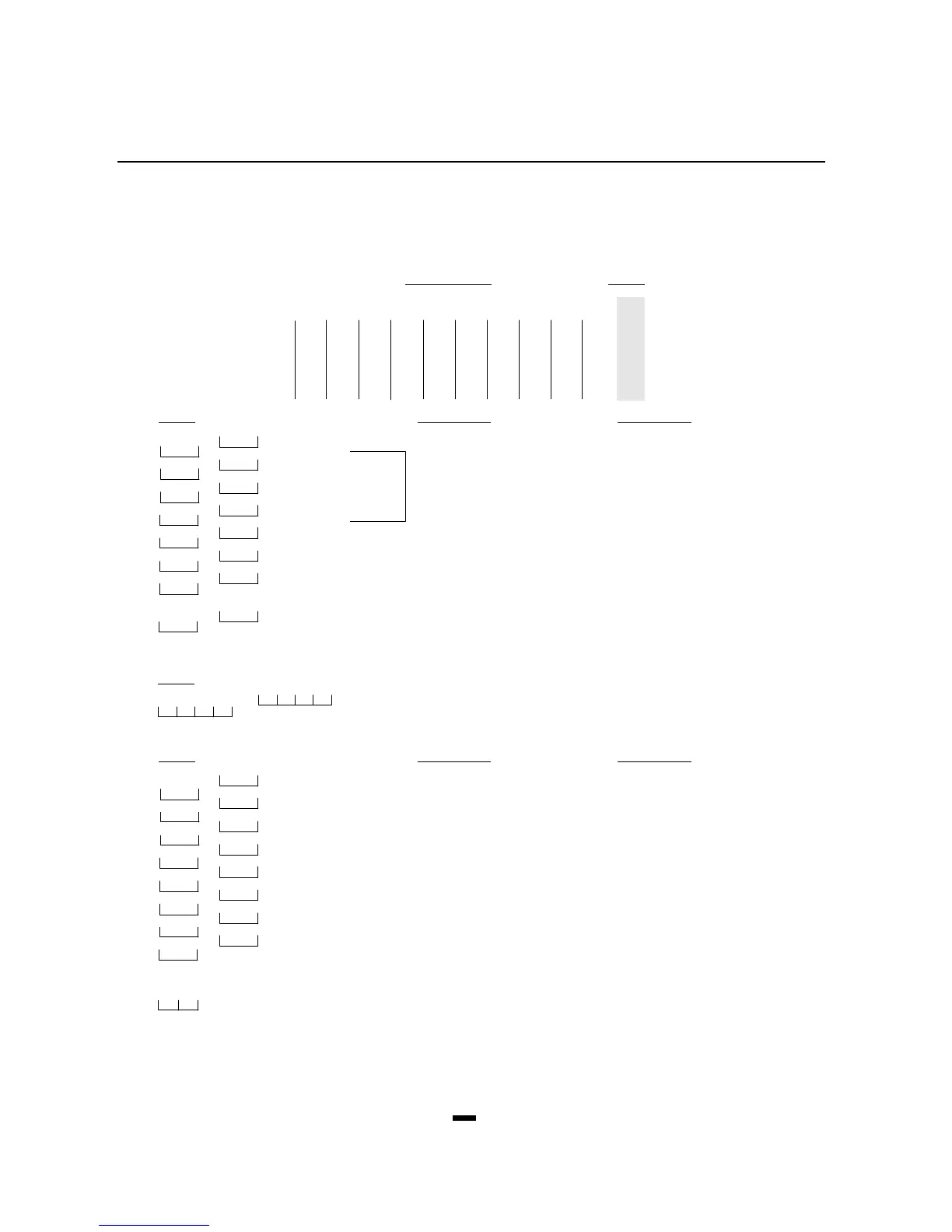
Zone Light On Zone Light Off
Off Zone Light 1 Set light patterns for number of rings as described in the above table.
Off Zone Light 2 Minimum number = 1
On Zone Light 3 Maximum number = 15 (all lights on)
On Zone Light 4 At least one light must be on.
Off Zone Light 5 .............................. Downloading answer enabled Downloading answer disabled
Off
Zone Light 6 .............................. User initiated call up No user initiated call up
Off
Zone Light 7 .............................. Answering machine over-ride Answering machine over-ride
enabled disabled
Off
Zone Light 8 .............................. Call back enabled Call back disabled
[48] Panel Identification Code Page 22
Default
5 0 5 0 Enter 4 digits from 0 to 9. DO NOT ENTER [Q] OR [#].
[49] Printer Configuration Page 22
Default Zone Light On Zone Light Off
Off Zone Light 1 ..................110 baud Not 110 baud
Off
Zone Light 2 ..................300 baud Not 300 baud
Off
Zone Light 3 ..................1200 baud Not 1200 baud
On
Zone Light 4 ..................2400 baud Not 2400 baud
Off
Zone Light 5 ..................Printer only Printer and norm. communication
Off
Zone Light 6 ..................See page 23 Printer and norm. communication
Off
Zone Light 7 .............................. (RTS, PIN 4) (DTR, PIN 20) (SRTS, PIN 11)
Off
Zone Light 8 ..................Periodic download Test transmission
[50] After Alarm Reporting Code Page 23
Entering a valid reporting code will enable this feature.









 To Next Page