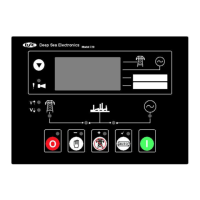
Front Panel Configuration Editor
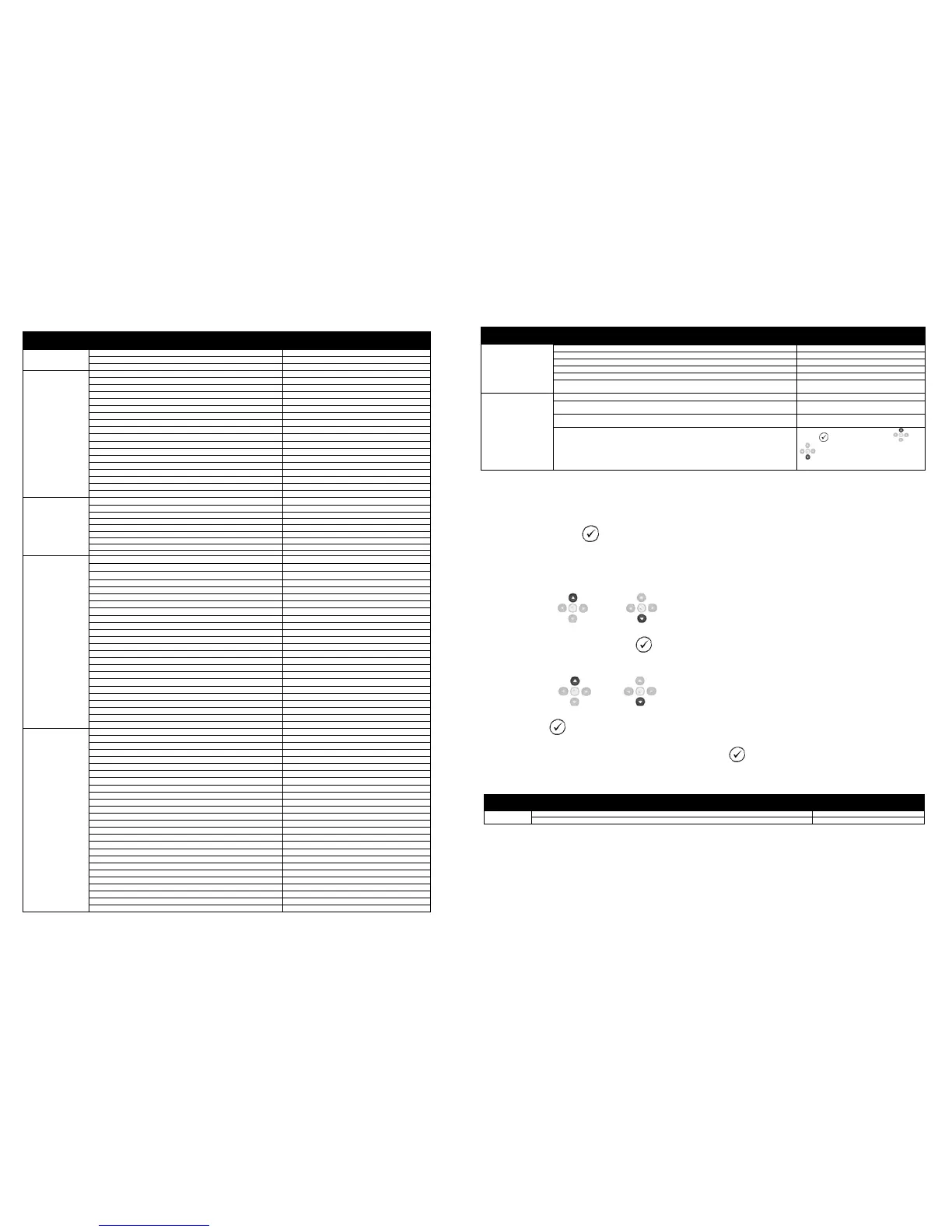
Section Parameter as shown on display Values
Engine Smoke Limiting Off
Engine Speed Overshoot Delay
Battery Under Voltage Warning Delay
Battery Over Voltage Warning Delay
Generator Transient Delay
Mains Under Voltage Alarm
Mains Under Frequency Alarm
Mains over Frequency Alarm
Under Voltage Pre-Alarm 196v
Over Voltage Pre-Alarm 265v
Over Voltage Shutdown 277v
Under Frequency Shutdown 40Hz
Under Frequency Pre-Alarm 42Hz
Over Frequency Pre-Alarm 54Hz
Over Frequency Shutdown 57Hz
Delayed Over current Active
Delayed Over Current 100%
CT Primary 600A Power Cycle After Exit
CT Secondary 5A Power Cycle After Exit
Gen Reverse Power Delay 2s
Oil Pressure Low shutdown 1.03bar
Oil Pressure Low Pre-Alarm 1.24bar
Coolant Temp High Pre-Alarm 90ºC
Coolant Temp High Electrical Trip 92ºC (When Enabled)
Coolant Temp High Shutdown 95ºC
Battery Under Volts Warning Active
Battery Under Volts Warning Delay 1m
Battery Under Volts Warning 10v
Battery Over Volts Warning Active
Battery Over Volts Warning Delay 1m
Battery Over Volts Warning 30v
Charge Alternator Failure Warning Active
Continued Overleaf
Front Panel Configuration Editor (continued)
Section Parameter as shown on display Values
Charge Alternator Failure Warning
Charge Alternator Warning Delay
Charge Alternator Failure Shutdown
Charge Alternator Failure Shutdown
Charge Alternator Shutdown Delay
Active, Inactive. Electronic engines only when
Active , Inactive (Only Available When
Scheduler Is Active)
Schedule Period
Weekly, Monthly (Only Available When
Scheduler Is Active)
Schedule Time & Date Selection (1-16)
Press to begin editing then or
when selecting the different
parameters in the scheduler.
ACCESSING THE ‘RUNNING’ CONFIGURATION EDITOR
• The ‘running’ editor can be entered while the engine is running. All protections remain active if the
engine is running while the running editor is entered.
• Press and hold the
button to enter the running editor.
ADJUSTABLE PARAMETERS (Running editor)
• Enter the editor as described above.
•
Press the up or down buttons to cycle to the section you wish to view/change.
•
To Edit the parameter press the button to enter edit mode. The parameter begins to flash to
indicate that you are editing the value.
• Press the up
or down
buttons to change the parameter to the required value.
• Press the button to save the value. The parameter ceases flashing to indicate that it has been
saved.
• To exit the editor at any time , press and hold the button.
Running Editor
Section Parameter as shown on display Factory Settings


 To Previous Page
 Loading...