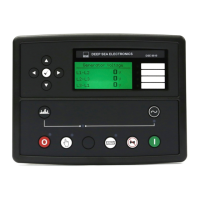
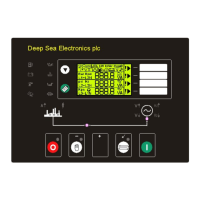
D E E P S E A E L E C T R O N I C S
8680
IN ST ALL AT IO N I NSTRU CT IO NS
ACCESSING THE ‘RUNNING’ CONFIGURATION EDITOR
• The ‘running’ editor can be entered while either bus is live
active if either bus is live while the running editor is entered.
• Press and hold the button to enter the running editor
• Enter the editor as described above.
• Press the up or down buttons to select the
parameter you wish to view/change
within the currently selected section.
• To edit the parameter, press
to enter edit mode. The parameter begins to
flash to indicate that you are editing the value.
• Press the up or down buttons to change the parameter to
• Press
to save the value. The parameter ceases flashing to indicate that it has
been saved.
• To exit the editor at any time, press and hold the button.
ADJUSTABLE PARAMETERS (Running editor)
Running Editor
Section
Parameter as shown on display
DISPLAY
DISPLAYDISPLAY
DISPLAY
Language
Page Timer
Scroll Timer
240.0 mm x 181.1 mm x 41.7 mm
(9.4 ” x 7.1
:
220 mm x 160 mm
(8.7 ” x 6.3 ”)
Deep Sea Electronics Plc.
Tel:+44 (0)1723 890099
Fax: +44 (0)1723 893303
Email: support@deepseaplc.com
Web: www.deepseaplc.com
Deep Sea Electronics inc.
Tel
Telephone
Email: support
D E E P S E A E L E C T R O N I C S
IN ST ALL AT IO N I NSTRU CT IO NS
053-082
ISSUE 1
ACCESSING THE ‘RUNNING’ CONFIGURATION EDITOR
parameter you wish to view/change
to enter edit mode. The parameter begins to
to save the value. The parameter ceases flashing to indicate that it has
s
”)
Deep Sea Electronics inc.
-8706
- 8708

 Need help?
 General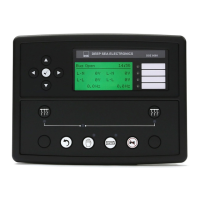

 To Next Page