7
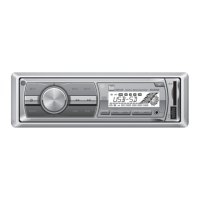
MXD136BT OPERATION
Seek Tuning
Manual Tuning
Band
Storing and Recalling
Station Presets
Press TUNE
nn
or TUNE
ll
momentarily to seek to the
next strong station.
Press and hold TUNE
nn
or TUNE
ll
until "MANUAL"
appears, then press TUNE
nn
or TUNE
ll
momentarily
to change radio frequency up or down one step at a time.
Press and hold to advance quickly.
Press BAND to select between FM1, FM2, FM3, AM1 and
AM2 bands.
Up to 18 FM stations and 12 AM stations can be stored. To
store a station, select the desired band and station. Press
and hold the desired preset button (1-6) for more than
2 seconds. When stored, the preset number will appear in
the display. The station can be recalled anytime by pressing
the corresponding preset button.
AM/FM Tuner Operation
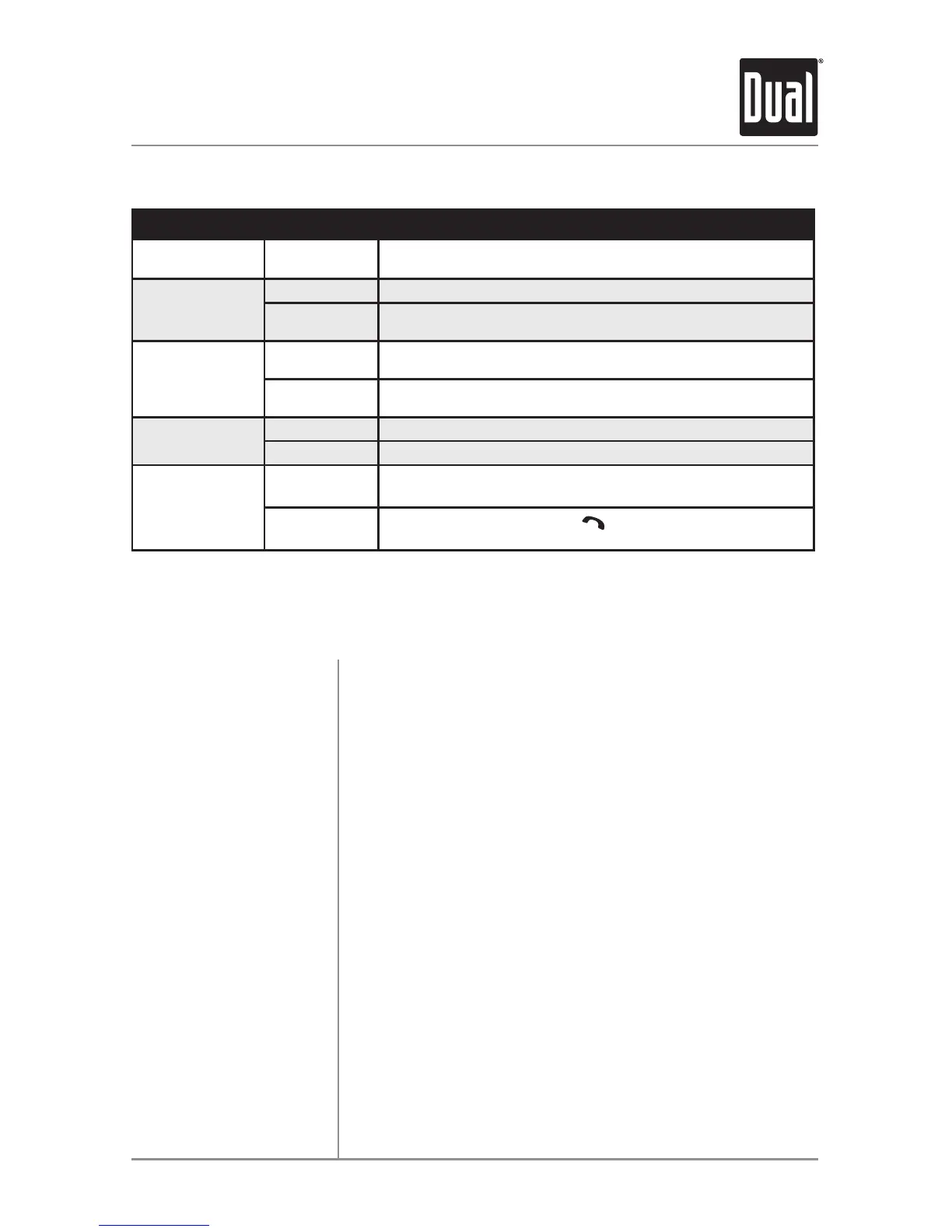
General Operation - Setup Menu
Menu Function Options Action
Auto Station
Store
AUTO STORE
Press SELECT to seek and save 6 strong stations in the
current band. (Tuner mode only)
Local/Distance
Tuning
LOCAL OFF Activates distance tuning (Tuner mode only).
LOCAL ON
Activates local tuning for strong station reception only (Tuner
mode only).
Tuner
Frequency
Spacing
FREQ USA
Programs the unit to USA tuner spacing.
(200kHz for FM and 10kHz for AM). (Tuner mode only)
FREQ EURO
Programs the unit to European tuner spacing.
(50kHz for FM and 9kHz for AM). (Tuner mode only)
Beep
Confirmation
BEEP OFF Disables the confirmation beep.
BEEP ON Enables the confirmation beep.
Auto Answer
ANSWER ON
Programs unit to automatically answer every incoming phone
call after 2-3 rings.
ANSWER OFF
Programs unit to require the
button must be pressed to
answer incoming phone calls.


 To Next Page