5
General Operation
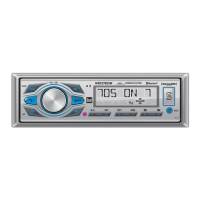
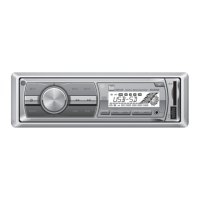
Press to turn the unit on. Press and hold for more
than two seconds to turn the unit off.
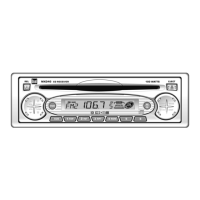
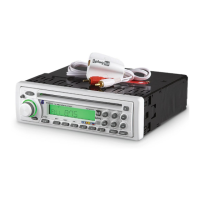
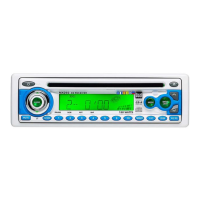
Press SOURCE to select between AM/FM, auxiliary input,
USB or SD Card modes. Modes of operation are indicated in
the display. SD and USB modes will not appear unless an
SD Card or USB device is connected.
Press and hold LOUD for more than 2 seconds to activate
anddeactivatetheloudnessfeature.Activatingthisfeature
willenhancethebassandtreblefrequencieswhenlistening
to music at low volumes.
Insert a 3.5mm connector in the front panel AUX port.
Connect the other end of the 3.5mm connector to the
headphone output of an audio device, MP3 player, etc.
Adjustvolumeusingthe volume knob(00-42).
Press AUDIOtoselectbetweenBass,Treble,Balanceand
Fader.
Press AUDIO until BASS appears
Rotate the volume knobleft/righttoadjust
(-7minimum/7maximum)
Press AUDIO until TRE appears
Rotate the volume knobleft/righttoadjust
(-7minimum/7maximum)
Press AUDIO until B 00 appears
Rotate the volume knobleft/righttoadjust
BL 15(left)toBR 15(right)
Press AUDIO until F 00 appears
Rotate the volume knobleft/righttoadjust
FR 15(rear)toFF 15(front)
Press EQ for more than two seconds to activate the first
preset EQ, then press and hold EQagaintoselectbetween
POP,CLASSIC,ROCKandUSER.Manualadjustmentstothe
bassandtreblesettingsaresavedasUSER.
Power On/Off
Source
Loud
Auxiliary Input
Volume
Select Audio
Bass
Treble
Balance
Fader
Preset EQ Curves
MXR42 OPERATION


 To Next Page