EasyManua.ls Logo

Dual XDCP97BT - User Manual

Dual XDCP97BT
26 pages
Print Icon
To Next Page IconTo Next Page
Loading...
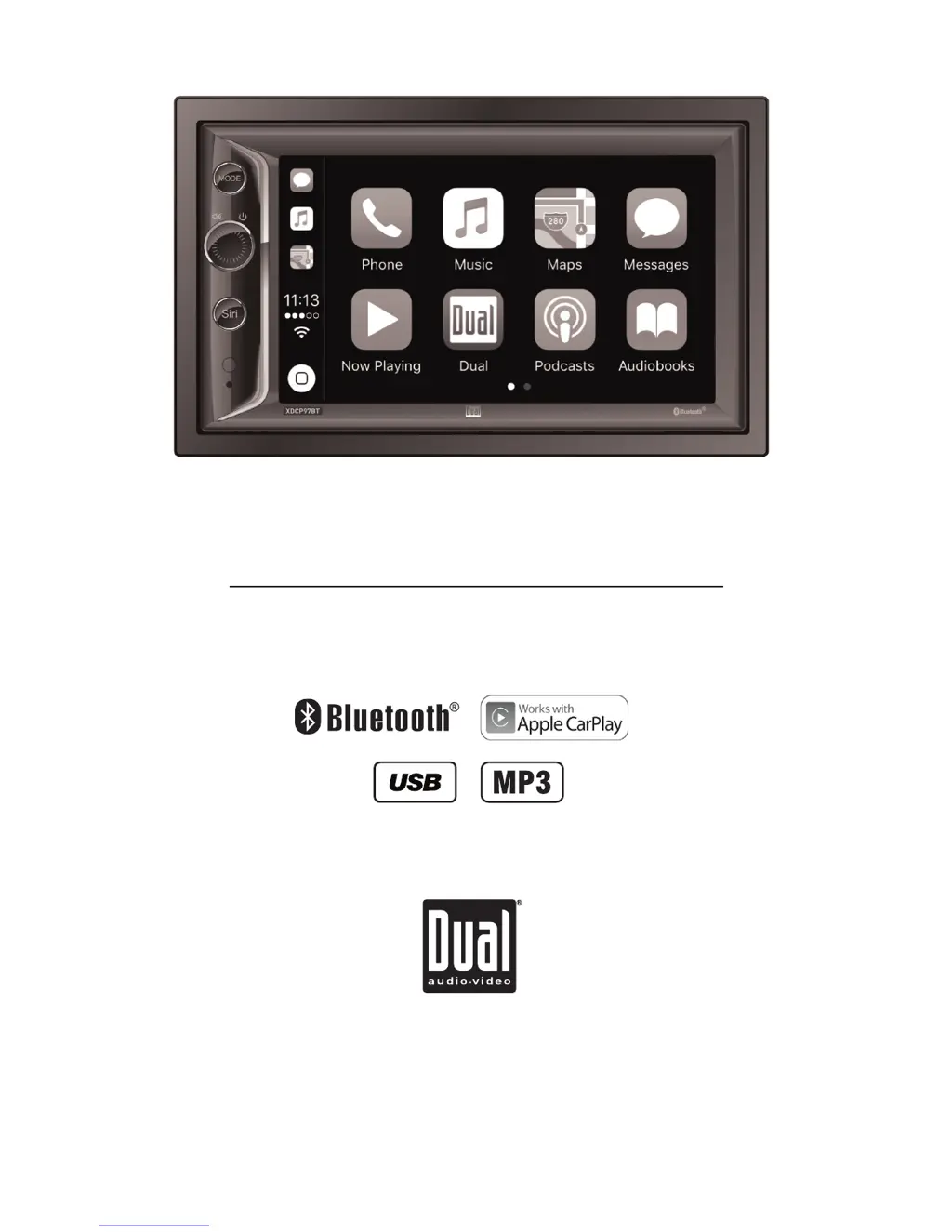
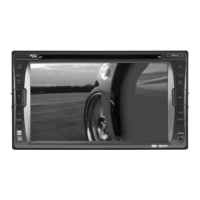
INSTALLATION/OWNER’S MANUAL
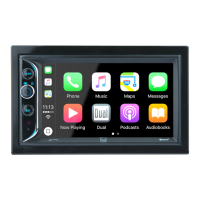
DVD Multimedia Receiver with Bluetooth
featuring a 6.2" Touch Screen Display
XDCP97BT
®

Questions and Answers

  • J
    Jared BairdJul 27, 2025
    How to fix a Dual XDCP97BT that won't turn on?
    • R
      Richard SchneiderJul 28, 2025
      If your Dual Car Receiver isn't turning on, there are several potential causes: * The yellow wire may not be connected properly or have incorrect voltage. Check the connections to ensure they have the proper voltage (11~16VDC). * The red wire may not be connected properly or have incorrect voltage. Check the connections to ensure they have the proper voltage (11~16VDC). * The black wire may not be connected to ground. Check the ground connection. * The fuse might be blown. Replace the fuse(s).
  • R
    Richard SmithAug 2, 2025
    What to do if my Dual XDCP97BT Car Receiver keeps blowing fuses?
    • M
      Melody PenaAug 3, 2025
      If your Dual Car Receiver is blowing fuses, it could be due to the following reasons: * The yellow or red wire might be touching the chassis ground. Check for any pinched wires. * The speaker wires might be touching the chassis ground. Check for any pinched wires. * The fuse rating might be incorrect. Ensure you are using fuses with the correct rating.
  • K
    kenneth06Aug 8, 2025
    Why is there no sound coming from my Dual XDCP97BT?
    • K
      kmartinAug 8, 2025
      If your Dual Car Receiver has power but no sound, the issue might be: * Speaker wires are not connected. Check the connections at the speakers. * One or more speaker wires are touching each other or the chassis ground. Insulate all bare speaker wires from each other and the chassis ground.
  • D
    Danny TownsendAug 14, 2025
    What to do if my Dual Car Receiver has audio but no video?
    • C
      Cassandra FryAug 14, 2025
      If your Dual Car Receiver has audio but no video, it may be because: * The parking brake safety circuit is not connected. Check the connections at the parking brake. * The parking brake is not applied.
  • C
    Carl JonesAug 20, 2025
    Why is my Dual Car Receiver IR remote not working?
    • J
      jacquelinesanfordAug 20, 2025
      If the IR remote for your Dual Car Receiver isn't working, the battery may be dead. Replace the battery.

Summary

Important Safety Warnings

General Safety Information

FCC Compliance Details

Device compliance with FCC Part 15 rules and potential interference.

Installation Preparation Steps

Wiring Diagram and Connections

Wiring Notes on Outputs

Notes on subwoofer output and rear camera input usage.

Control Locations Overview

Remote Control Preparation

General Operation

Power, Volume, and Mute Functions

Instructions for turning the unit on/off, adjusting volume, and muting audio.

Mode Selection and Main Menu

Selecting input modes and navigating the main menu screen.

Device Connections and Reset

Connecting external devices (Aux/iPod) and resetting the unit.

Setup Menu and Configuration

System and Bluetooth Settings

Viewing system info, resetting Bluetooth, or rebooting the system.

Audio Settings: Fader, Balance, EQ

Adjusting audio balance, fader, and selecting equalizer presets.

Audio Settings: Surround and Subwoofer

Configuring surround sound options and subwoofer settings.

Display, Time, and Miscellaneous Settings

Adjusting display, time, beep tone, camera, and loudness.

AM;FM Tuner Operation

USB Operation

Media Compatibility Table

Media File Compatibility Details

Unsupported Media File Types

Lists incompatible file formats like WMA, MP3 PRO, and AAC.

Playback and Recording Formats

Explains playback sequence, folder standards, and MP3 ripping recommendations.

Bluetooth Operation Basics

Bluetooth Pairing Process

Steps for pairing a new device and auto-connecting previously paired devices.

Bluetooth Phone Functions

Accessing phone features, contacts, and dialing via Bluetooth.

Bluetooth Music and Call Controls

Bluetooth Call Management

Connecting, ending calls, and managing dialing operations.

Bluetooth Music Playback Control

Navigating tracks, pausing, and resuming music playback.

Dialing Input Correction

Using backspace and clear functions for dialing numbers.

iPod Operation

Apple CarPlay Operation

Compatible Devices for CarPlay

Lists compatible iPhone and iPod models for Apple CarPlay functionality.

Starting Apple CarPlay

Connecting an iPhone via USB to automatically launch and use CarPlay.

Controlling Apple CarPlay

CarPlay Interface Navigation

Using the home button and toolbar for accessing features and Siri.

CarPlay Basic Interaction

Using touch, swipe, and drag gestures for controlling CarPlay features.

CarPlay Connectivity and Exit

Managing iPhone connection, Bluetooth behavior, and exiting CarPlay mode.

Rear RCA Auxiliary Input

Rear Camera Operation

Rear Camera Connection and Use

Connecting an optional rear camera and selecting camera mode.

Camera Mode Selection Logic

Manual selection via icon or auto-selection via reverse light.

Camera Operation Notes

Clarifies manual mode, dedicated cameras, and video output status.

SWC Input Operation

Available Steering Wheel Controls

Lists functions controllable via steering wheel, like volume and mode.

SWC Module Installation Hints

Provides guidance for setting up and programming the PAC SWI-RC module.

Troubleshooting Common Issues

General Troubleshooting Scenarios

Addresses power, sound, fuse, and video issues with causes and actions.

User Record Keeping Section

Space for recording dealer info, purchase date, and product registration.

Product Specifications

Tuner and USB Specifications

Details FM/AM tuner ranges, sensitivity, and front USB compatibility.

Monitor Display Specifications

Specifies panel size, resolution, view angle, brightness, and contrast.

General and Amplifier Specifications

Covers speaker impedance, line output, chassis dimensions, and power output.

Limited One Year Warranty

Warranty Coverage Details

Defines who is covered, what is covered, and exclusions.

Warranty Service and Claims

Procedure for obtaining service, including packing, shipping, and contact information.

Dual XDCP97BT Specifications

General IconGeneral
BluetoothYes
USB PortYes
Aux InputYes
Radio TunerAM/FM
Display TypeLCD
Detachable FaceNo
Rear Camera InputYes
Compatible FormatsMP3, WMA
Power Output50 Watts x 4 Channels
Peak Power Output50 Watts

Related product manuals