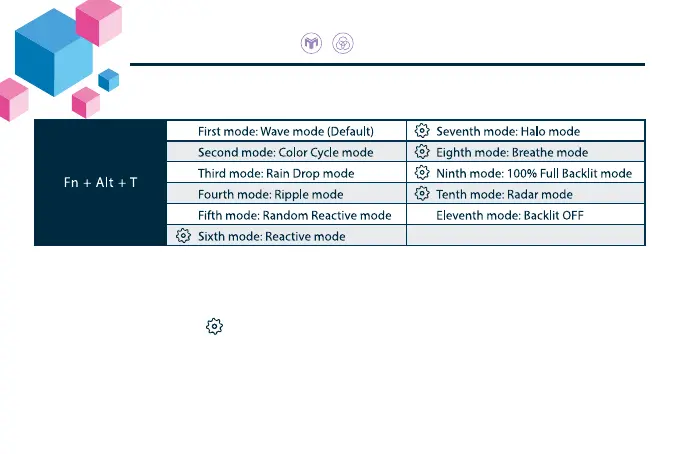
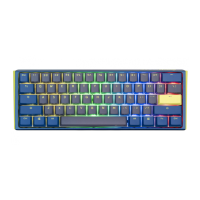
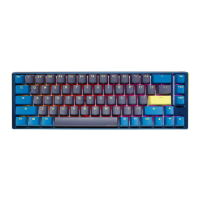
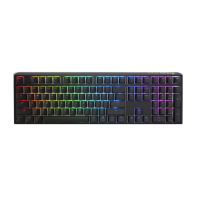
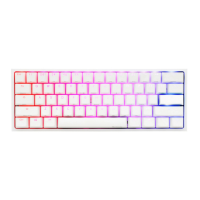
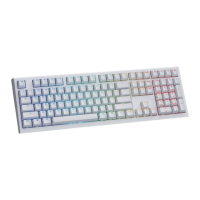
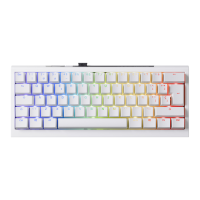
RGB Backlit Modes
● All above modes can be adjusted with the following key sequence:
◆ Fn + Alt + J:Decrease speed
◆ Fn + Alt + L:Increase speed
● Hold Fn + Alt + T for 3 seconds to turn o all backlit
(including CM1 and CM2).
● Only the backlit modes with can be adjusted using the following:
◆ Fn + Alt + Z:Adjust color red
(R) brightness. 10 Levels.
◆ Fn + Alt + X:Adjust color green
(G) brightness. 10 Levels.
◆ Fn + Alt + C:Adjust color blue
(B) brightness. 10 Levels.
◆ Fn + Alt + V:Erase red, green and blue color setting.
◆ Fn + Alt + Spacebar
(Color palette):Activate color palette to display various colors on each key, press
on the desired color, all the keys will automatically change to match.
26


 To Next Page