Using the TONE Button
Silencing Pending Call Tones
1. Press TONE to silence pending calls or reminder recalls. (If pressing TONE does not
silence the tone, this function may have been deactivated at your base master.)
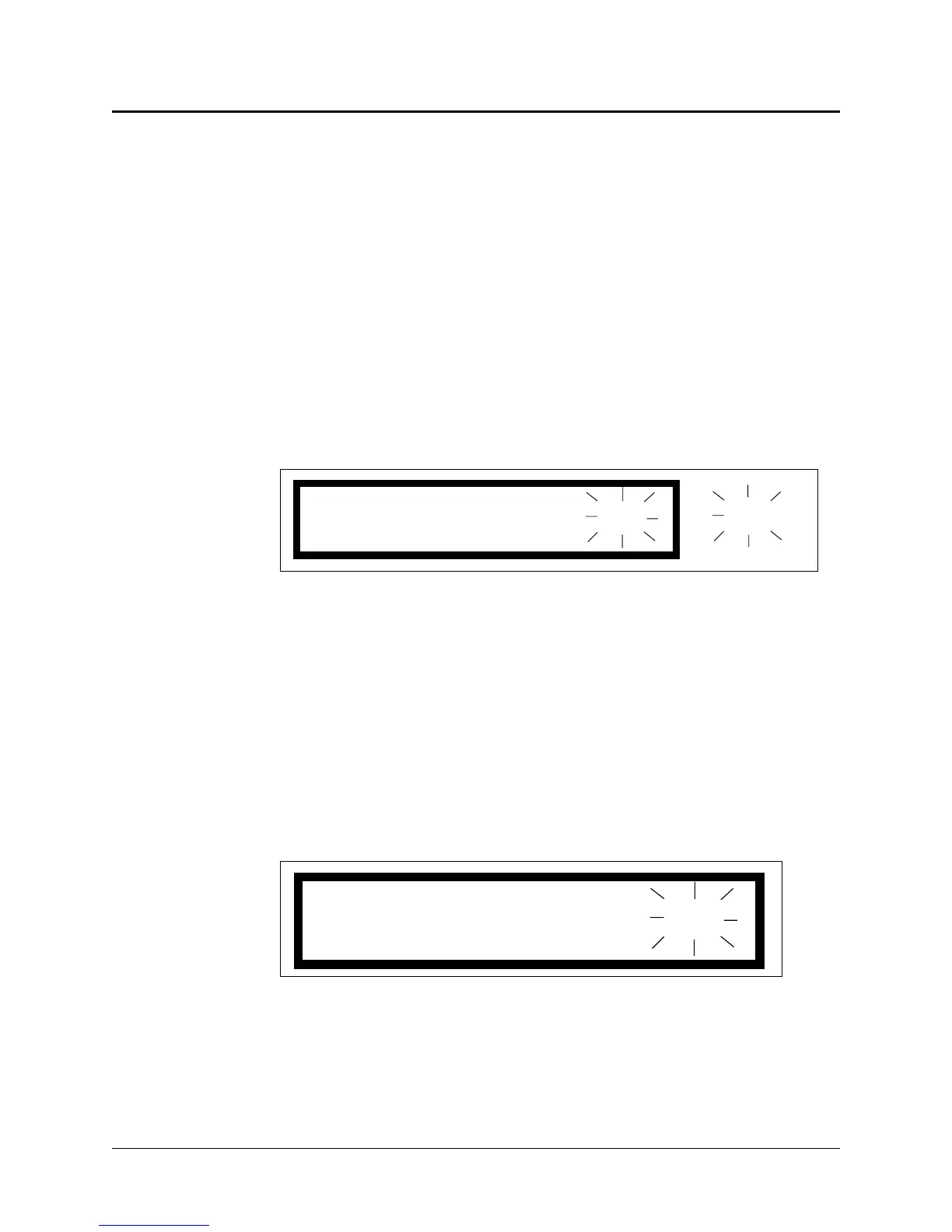
a. When the tone is silenced, “Ts” flashes at the far right of the display, alternating
with the number of pending calls (1 of 3). See Figure 2-20.
b. The tone will resume after a preprogrammed interval, or when a subsequent
incoming call is received.
2. To reactivate a silenced tone, press TONE again.
Silencing Error Tones
1. Press TONE to silence error or failure tones.
a. When the tone is silenced, “E” flashes at the far right. See Figure 2-21.
b. A silenced error tone does not time out.
2. To reactivate a silenced error tone, press TONE again.
2-22
ProCare 6000 Operation Manual
Using the TONE Button
1001 NORM: Ts
of 3
1
Figure 2-20: Pending Call Tone Silence Indiction
E
Figure 2-21: Error Indication


 To Next Page