Placing an Emergency Call From a Pushbutton
Lavatory Station
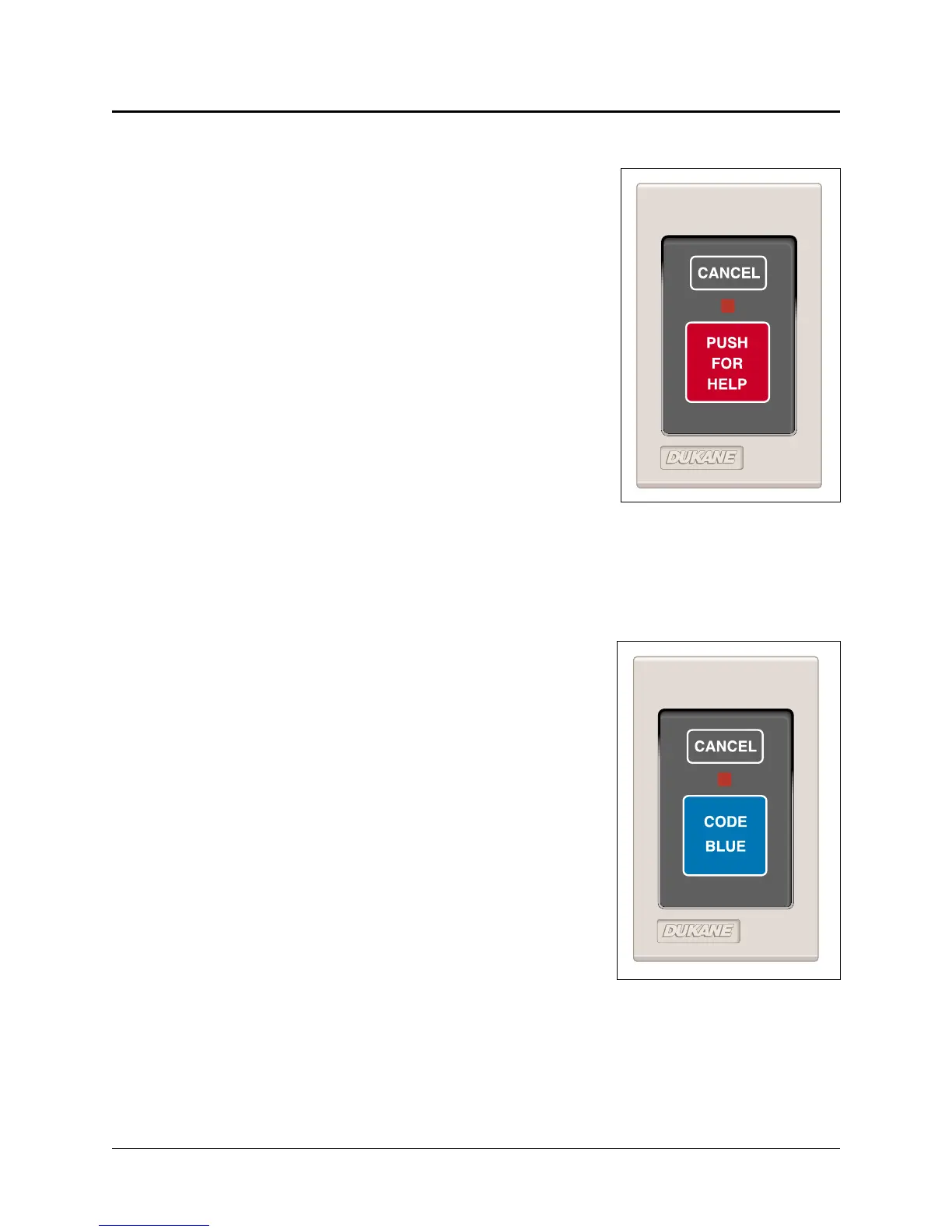
Press the station’s PUSH FOR HELP button. See
Figure 4-6. When you do, this happens:
•
The station’s call assurance LED illuminates to
confirm call placement.
•
The call appears at the base master and the video
display (if present).
•
A tone sounds at the base master.
•
A continuous tone sounds at the associated patient
station if presence is registered.
•
The associated corridor light illuminates and
flashes at a designated rate.
Placing an Emergency Call From a
Code Blue Station
Press the station’s CODE BLUE button. See Figure
4-7. When you do, this happens:
•
The station’s call assurance LED illuminates to
confirm call placement.
•
The call appears at the base master and the video
display (if present).
•
A tone sounds at the base master.
•
A continuous tone sounds at the associated
patient station if presence is registered.
•
The associated corridor light illuminates and
flashes at a designated rate.
ProCare 6000 Operation Manual
4-13
Placing an Emergency Call
Figure 4-6: Pushbutton
Lavatory/Emergency Station
(Model 9A2110)
Figure 4-7: Code Blue Station
(Model 9A2115)


 To Next Page