The “OwnerOut” Message
If another base master fails, you will see the “OwnerOut” message at your base master
every time you:
•
Change the priority of a station that is covered by the failed master.
•
Change the primary or alternate staff assignment of a station covered by the failed
master.
•
Obtain coverage of a swing station from the failed master.
•
Assign a pager number to a staff member who was previously assigned from the
failed master.
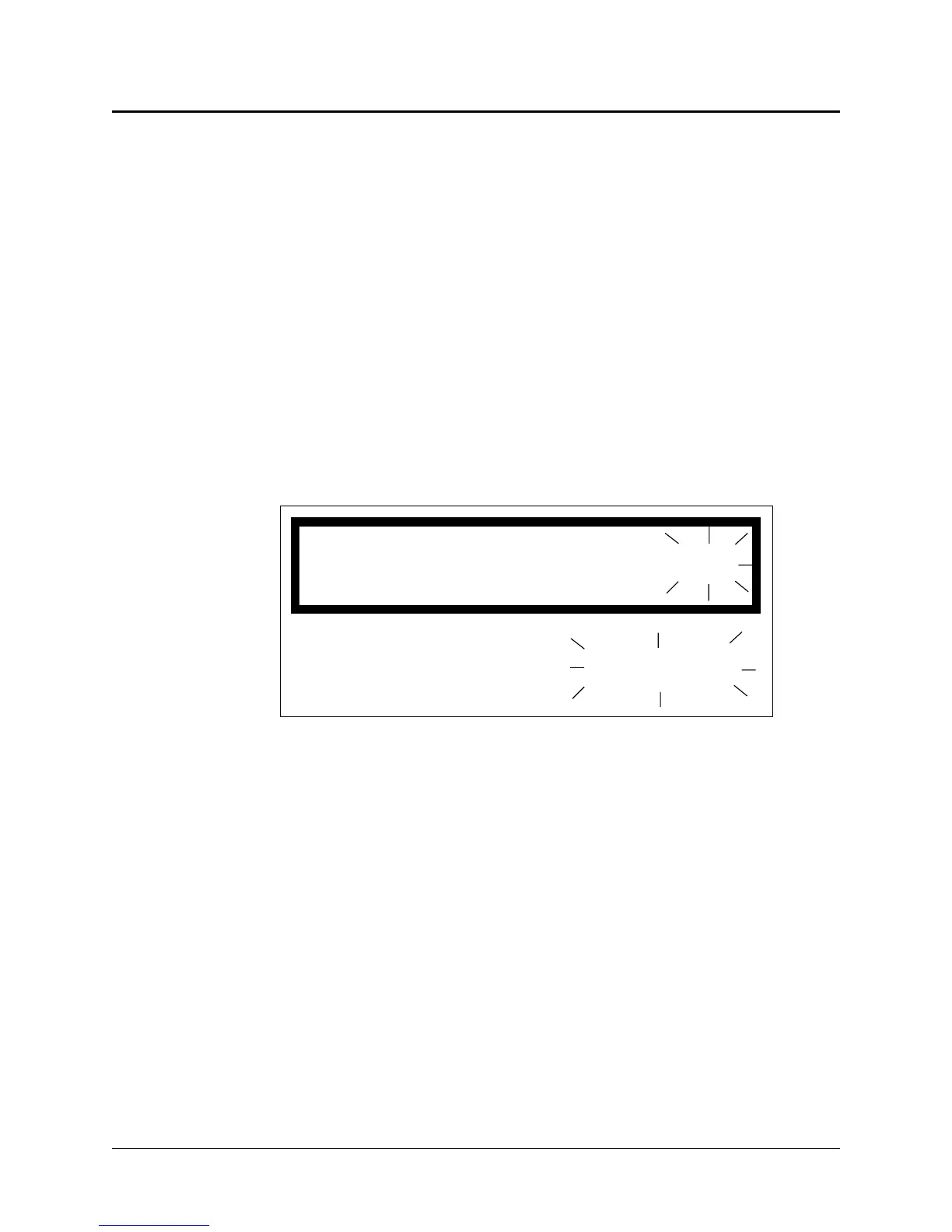
The “OwnerOut” message appears as shown in Figure 2-22.
When you see this message, either press 1 to cancel the function you are performing, or
press 3 to carry out the function.
ProCare 6000 Operation Manual
2-23
The “OwnerOut” Message
OwnerOut Cancel=1
Take=3
Figure 2-22: OwnerOut Display


 To Next Page