Paging Staff by Staff ID Number (MENU, 5, 3)
You can page staff members by their staff ID numbers.
Notes:
•
If your system has version 4.XX video displays, use the video display to perform
this function instead of the base master.
•
If your system has version 5.XX video displays, no pocket paging functions can be
performed using the base master or the video display software. ProCare 6000
Systems with 5.XX video displays use MessageMaker ip software to page staff.
See the MessageMaker ip User Guide.
1. Press MENU.
2. Press 5 to select Pocket Page = 5.
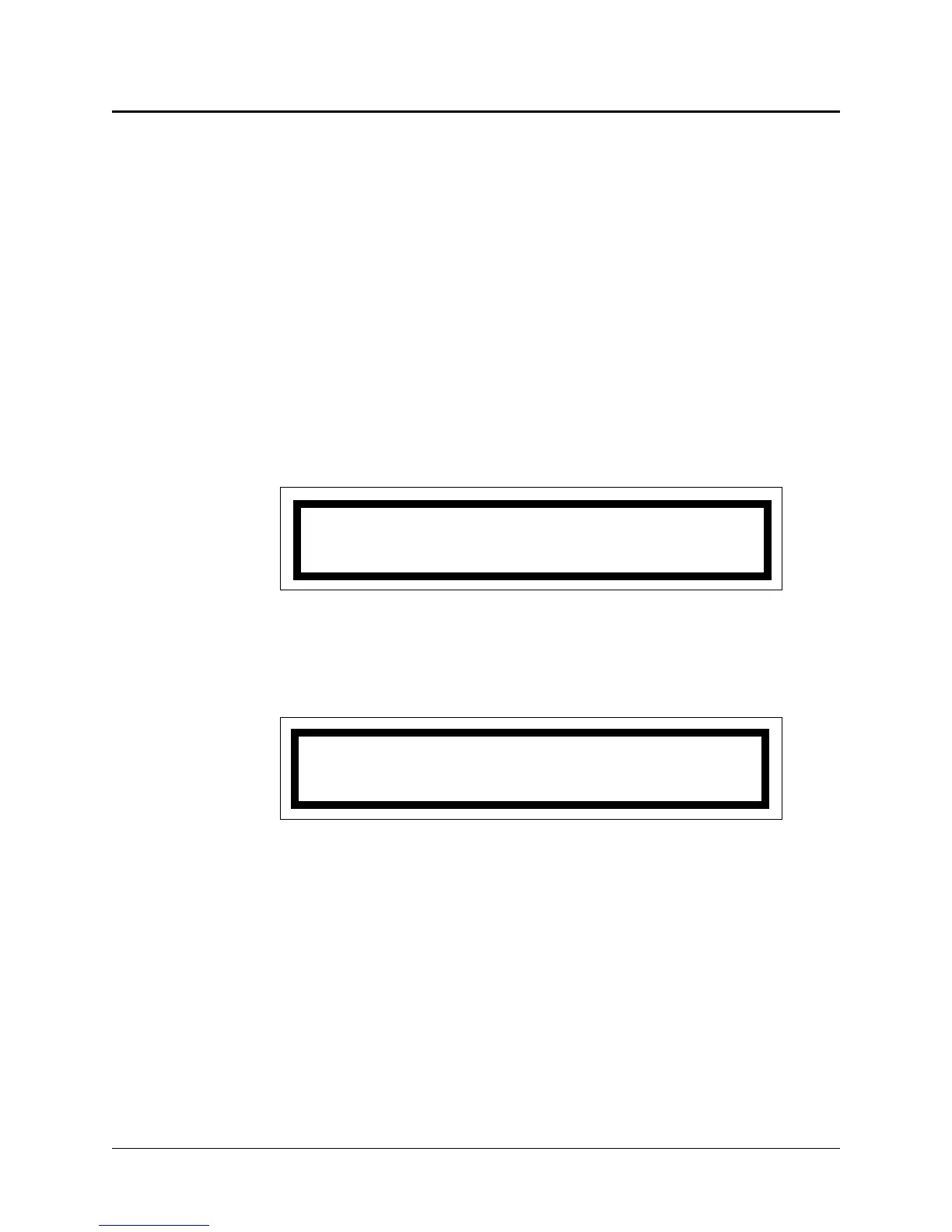
3. Press 3 to select Page Staff ID# = 3. Figure 3-22 appears:
4. Enter the staff ID number of the staff member to be paged. If the number is shorter
than the number of spaces in the display, press *ANS. Figure 3-23 appears:
5. Enter the message. It can be a combination of up to eight numbers (0 through 9), the
configured buttons on the key pad (letters or codes), or spaces. If the message is less
than eight characters, press *ANS.
a. “Waiting for Resp” appears briefly.
b. The page is sent.
6. Repeat steps 3 through 5 to page additional staff.
7. Press #CNCL repeatedly to exit the menu and return to the normal display. If you do
not, the base master automatically exits the menu after a programmed interval.
3-22
ProCare 6000 Operation Manual
Performing Pocket Page Functions (MENU, 5)
Staff # > _ _ _ _
Figure 3-22: Paging Staff by ID Number
Msg -> _ _ _ _ _ _ _ _
Figure 3-23: Transmitting a Message to Staff by Staff ID


 To Next Page