111
2
1
Appendix
○○○○○○○○○○○○○○○○○○○○○○○○○
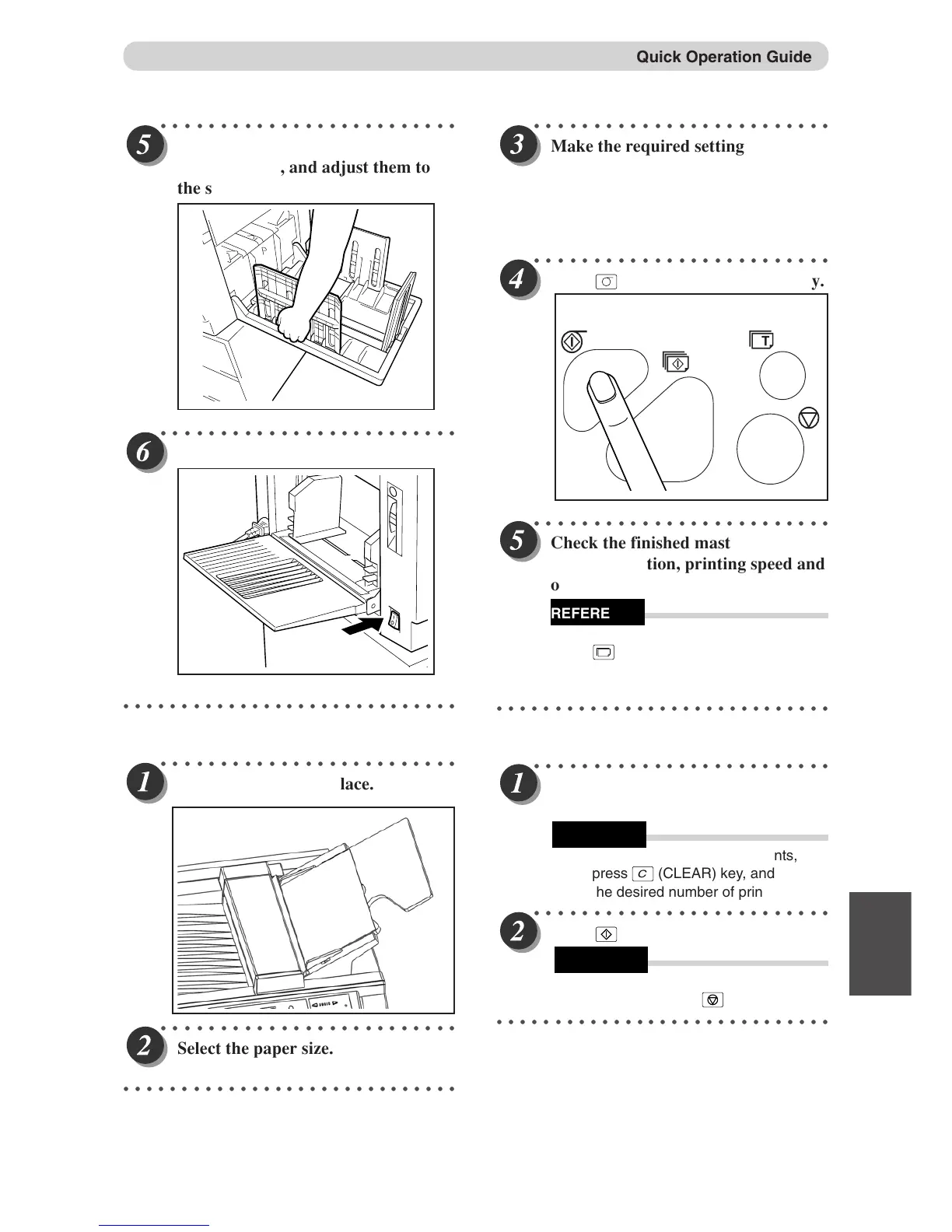
Make the r
equired settings on the
control panel.
Enlargement and Reduction, Master Darkness,
Document mode, 94% Reduction, 2 IN 1
Function
○○○○○○○○○○○○○○○○○○○○○○○○○
Press
(MASTER MAKING) ke
y.
○○○○○○○○○○○○○○○○○○○○○○○○○
Check the f
inished master. Adjust the
printing position, printing speed and
other settings as required.
• To make another test print, press
T
(TEST PRINT) key.
○○○○○○○○○○○○○○○○○○○○○○○○○○○○○
●Print
○○○○○○○○○○○○○○○○○○○○○○○○○
Enter the number of prints on the
ke
y pad.
• To change the number of prints,
press
C
(CLEAR) key, and enter
the desired number of prints.
○○○○○○○○○○○○○○○○○○○○○○○○○
Press
(PRINT) ke
y.
• To stop the machine midway during
operation, press
(STOP) key.
○○○○○○○○○○○○○○○○○○○○○○○○○○○○○
○○○○○○○○○○○○○○○○○○○○○○○○○
Raise the paper stack
er guides and
paper stopper, and adjust them to
the size of the printing paper.
○○○○○○○○○○○○○○○○○○○○○○○○○
Tur
ning the power ON.
○○○○○○○○○○○○○○○○○○○○○○○○○○○○○
●Mastermaking
.
○○○○○○○○○○○○○○○○○○○○○○○○○
Set the document in place.
○○○○○○○○○○○○○○○○○○○○○○○○○
Select the paper size.
○○○○○○○○○○○○○○○○○○○○○○○○○○○○○
Quick Operation Guide
REFERENCE
REFERENCE
REFERENCE



 To Next Page